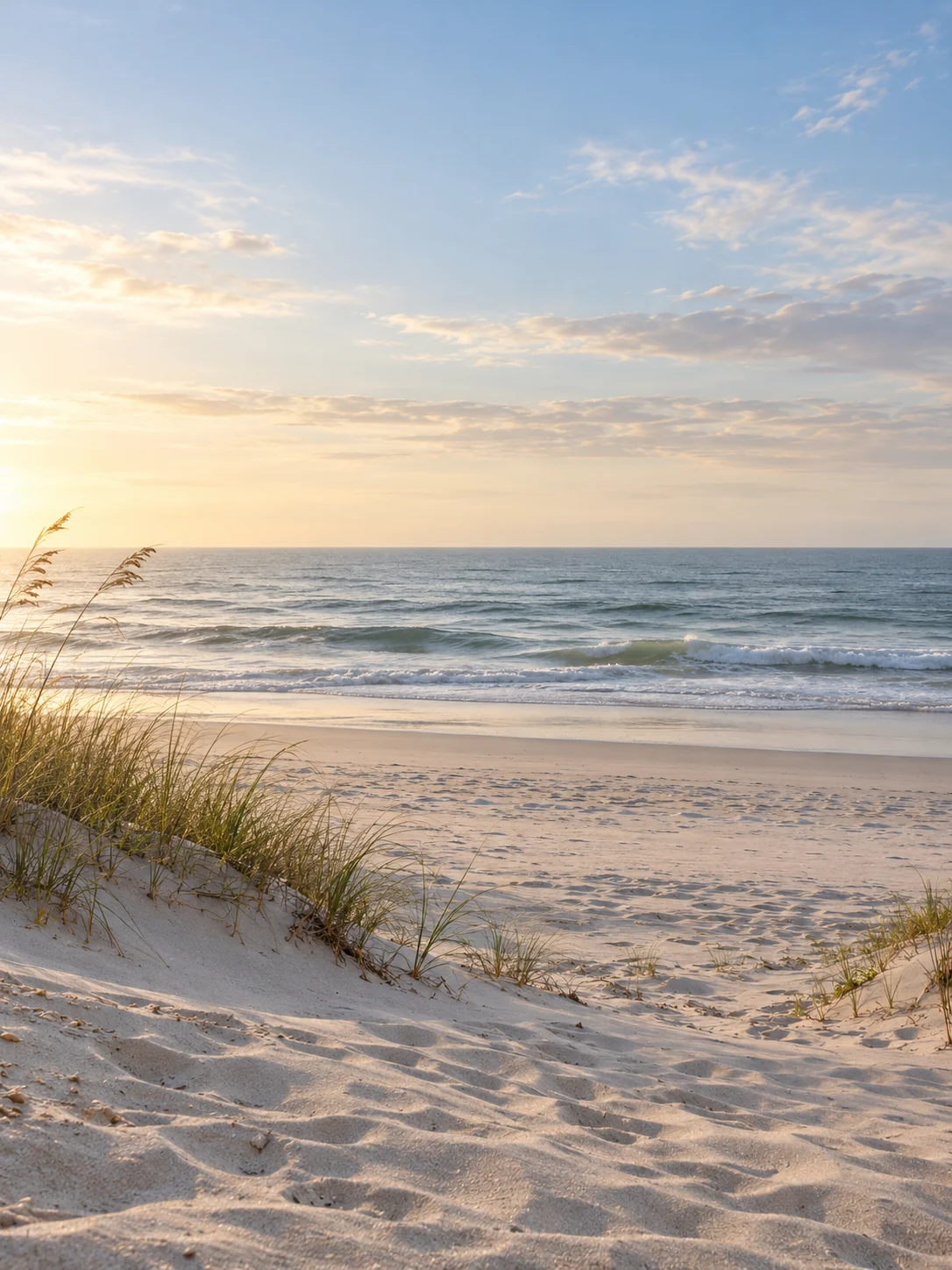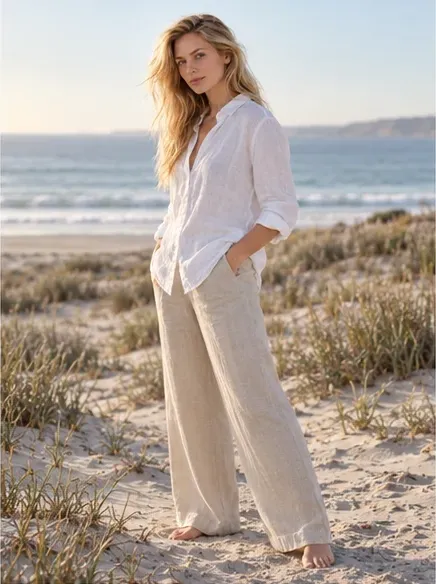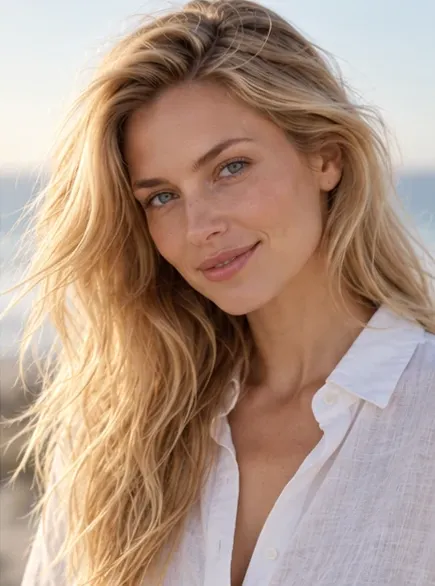
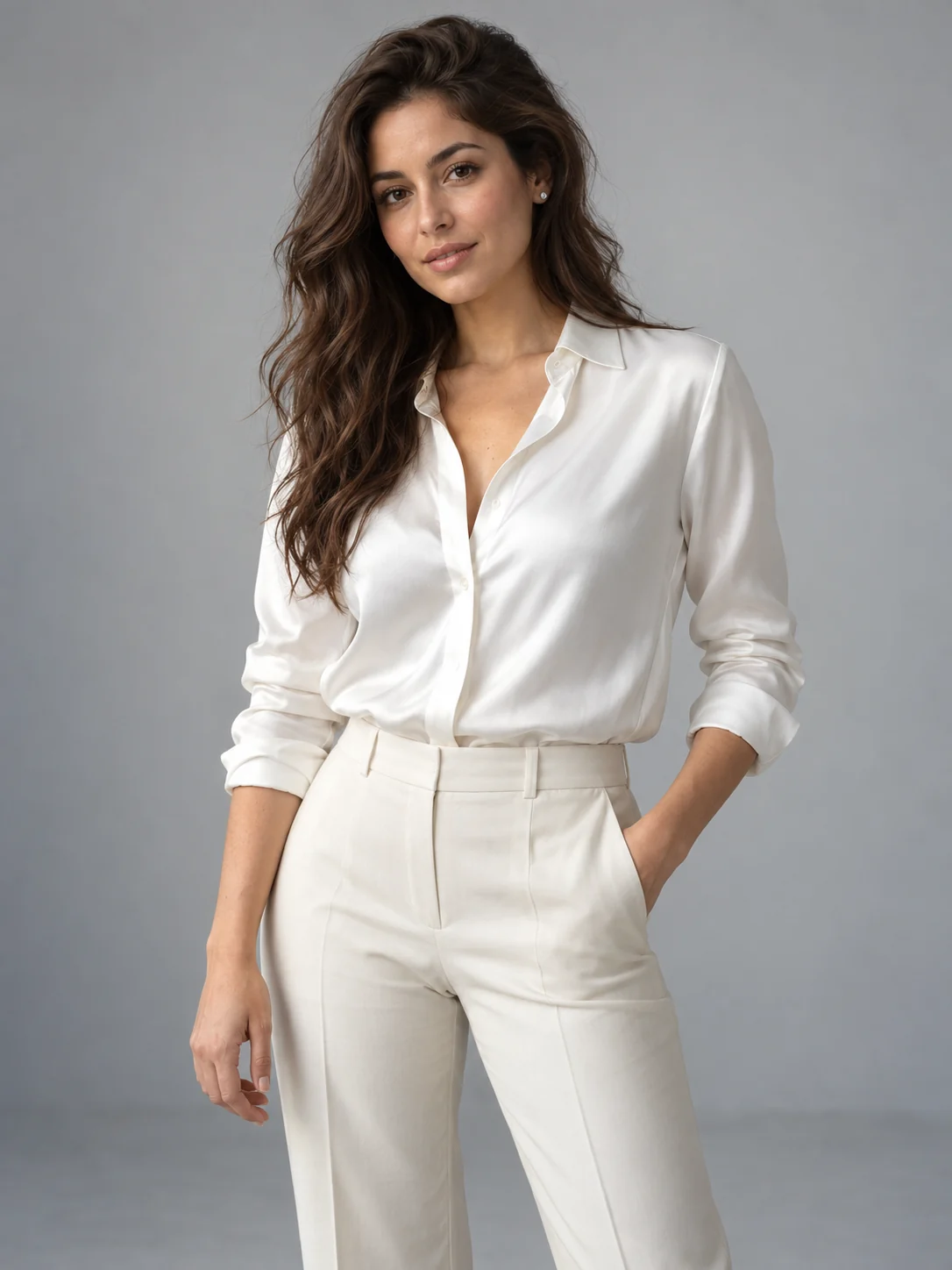
studio / 6 shots
One person. One outfit. Your choice of poses and scenes. Start with a ready-made photoshoot or build your own.
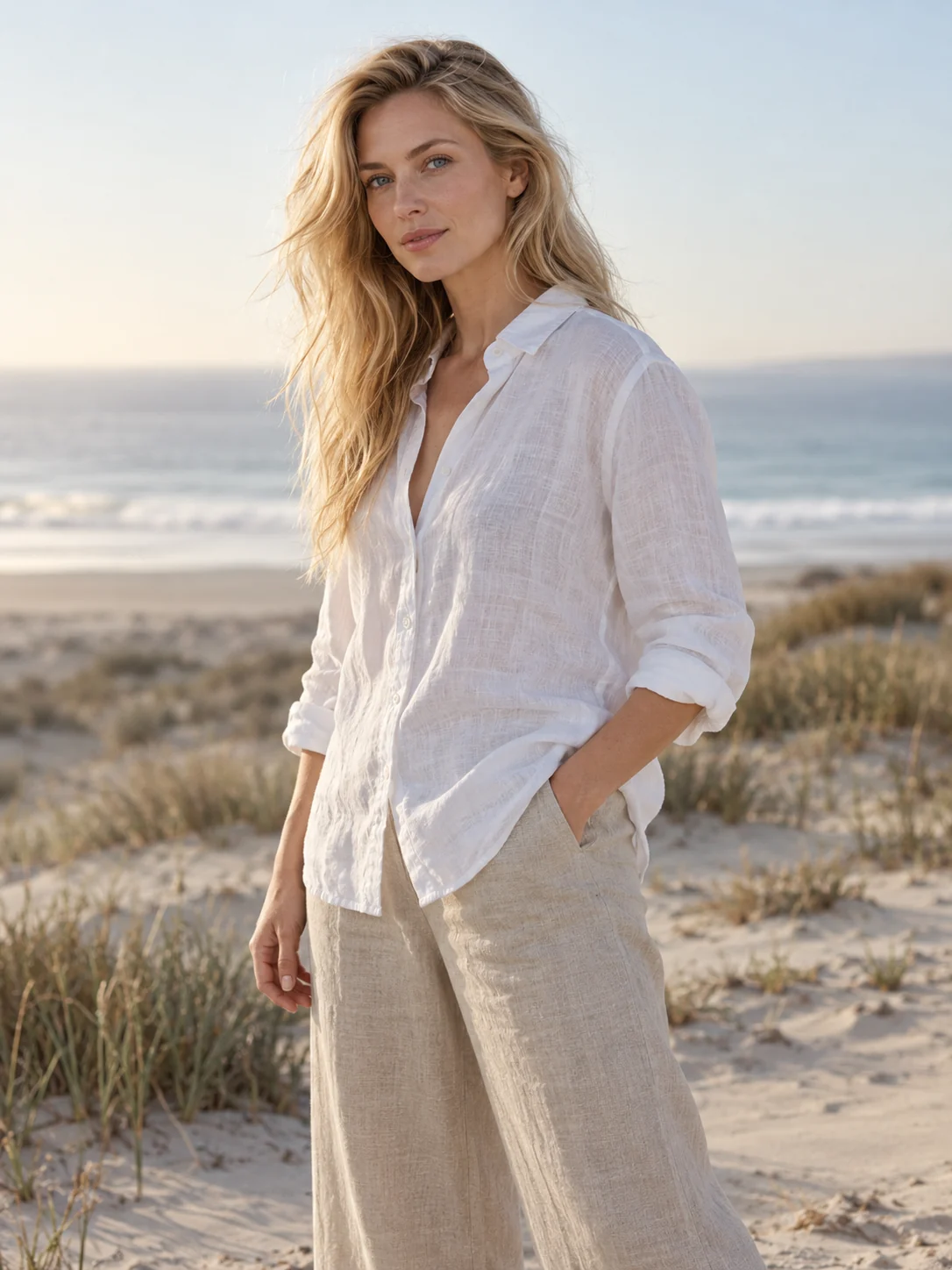
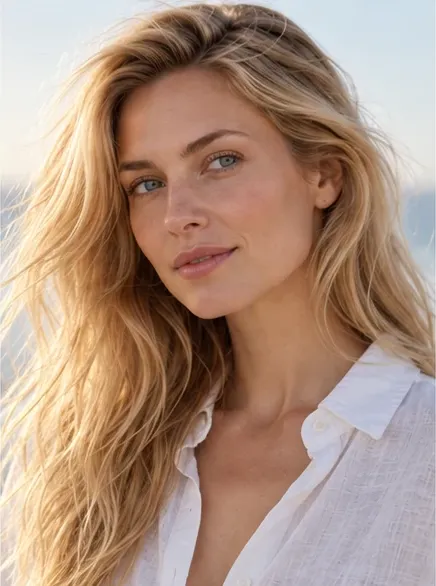
Choose a ready-made photoshoot, or combine a person and outfit. Give each photo its own pose and setting.
studio / 6 shots
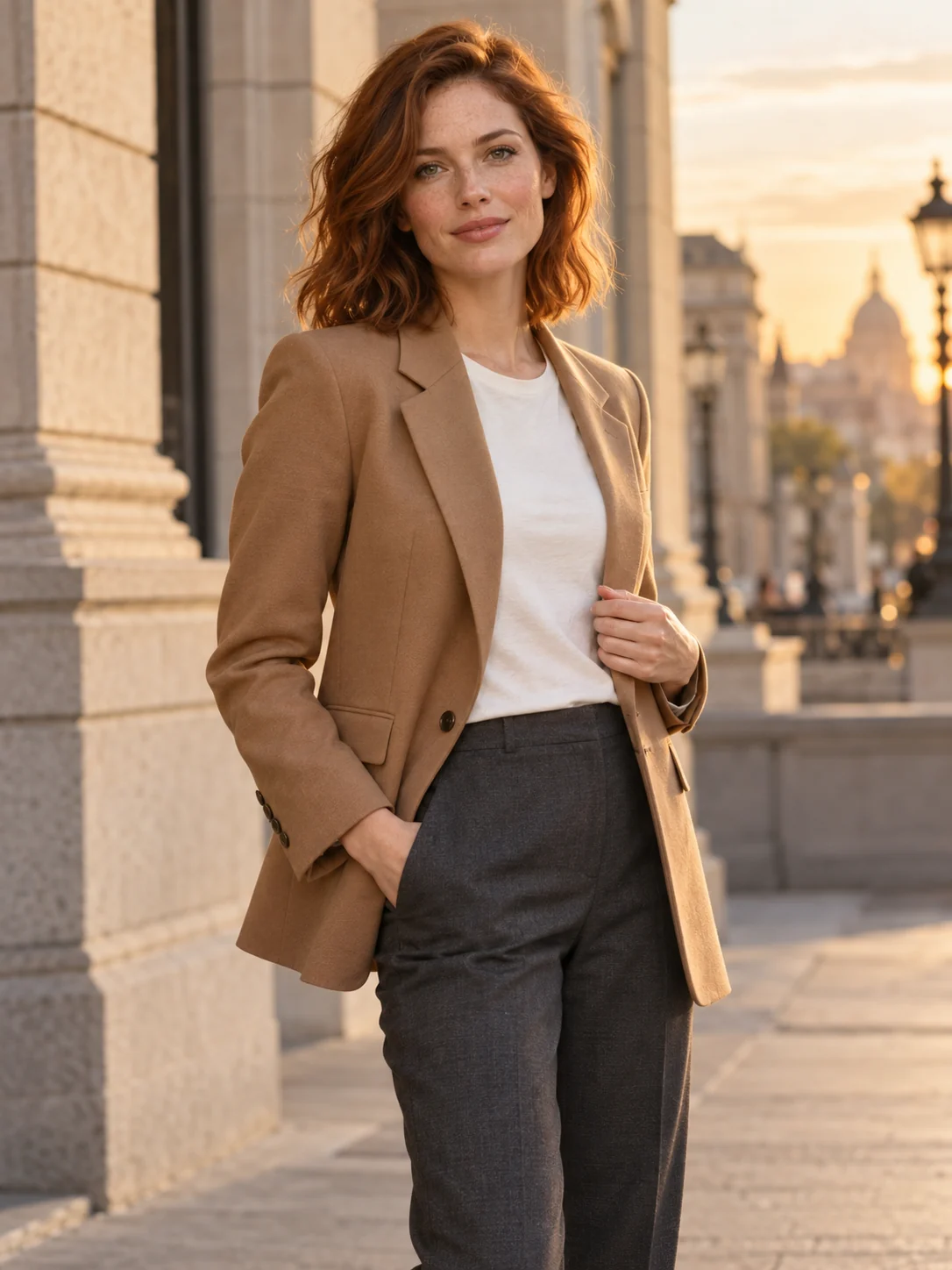
lifestyle / 6 shots
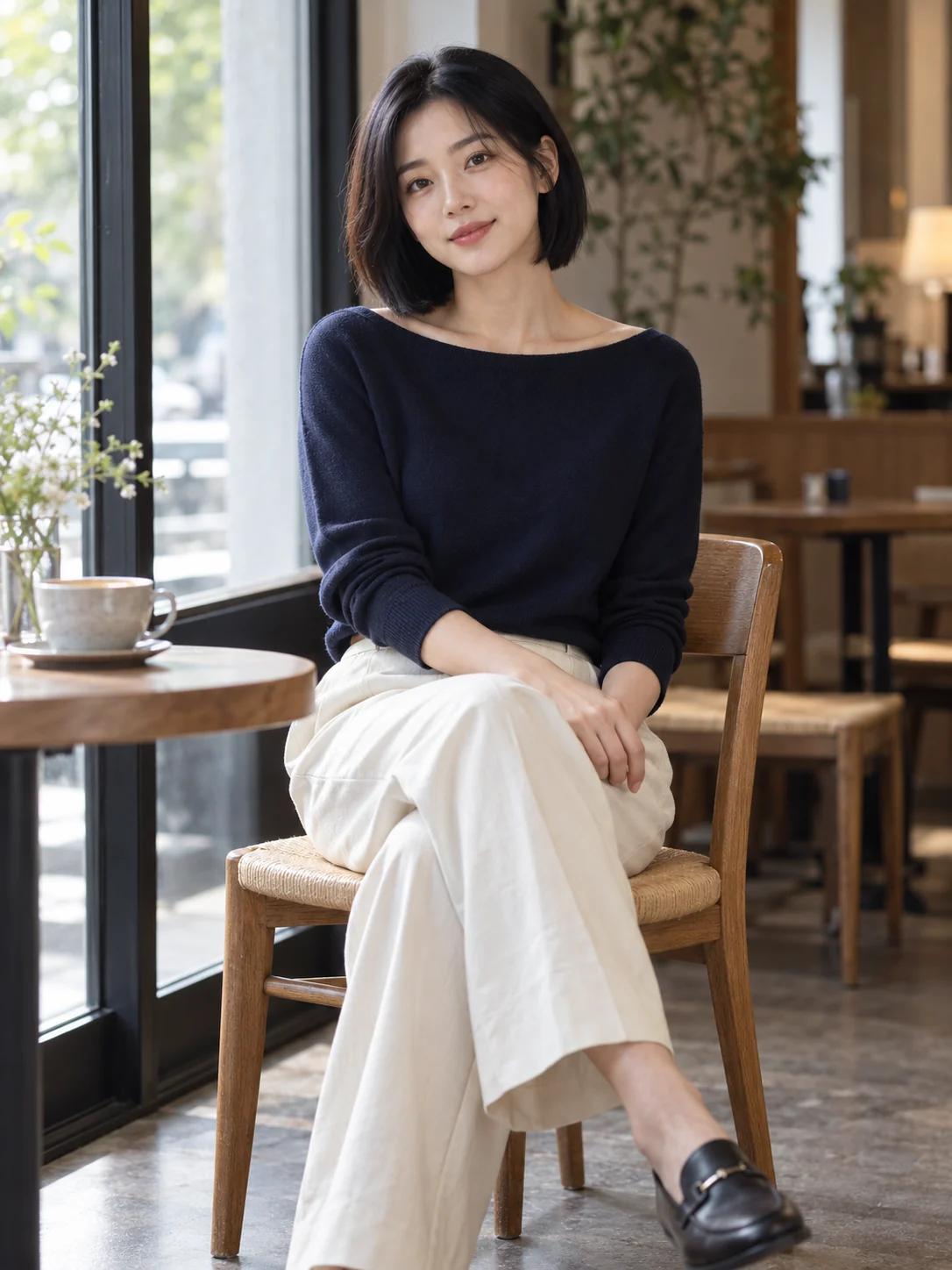
lifestyle / 6 shots
outdoor / 6 shots
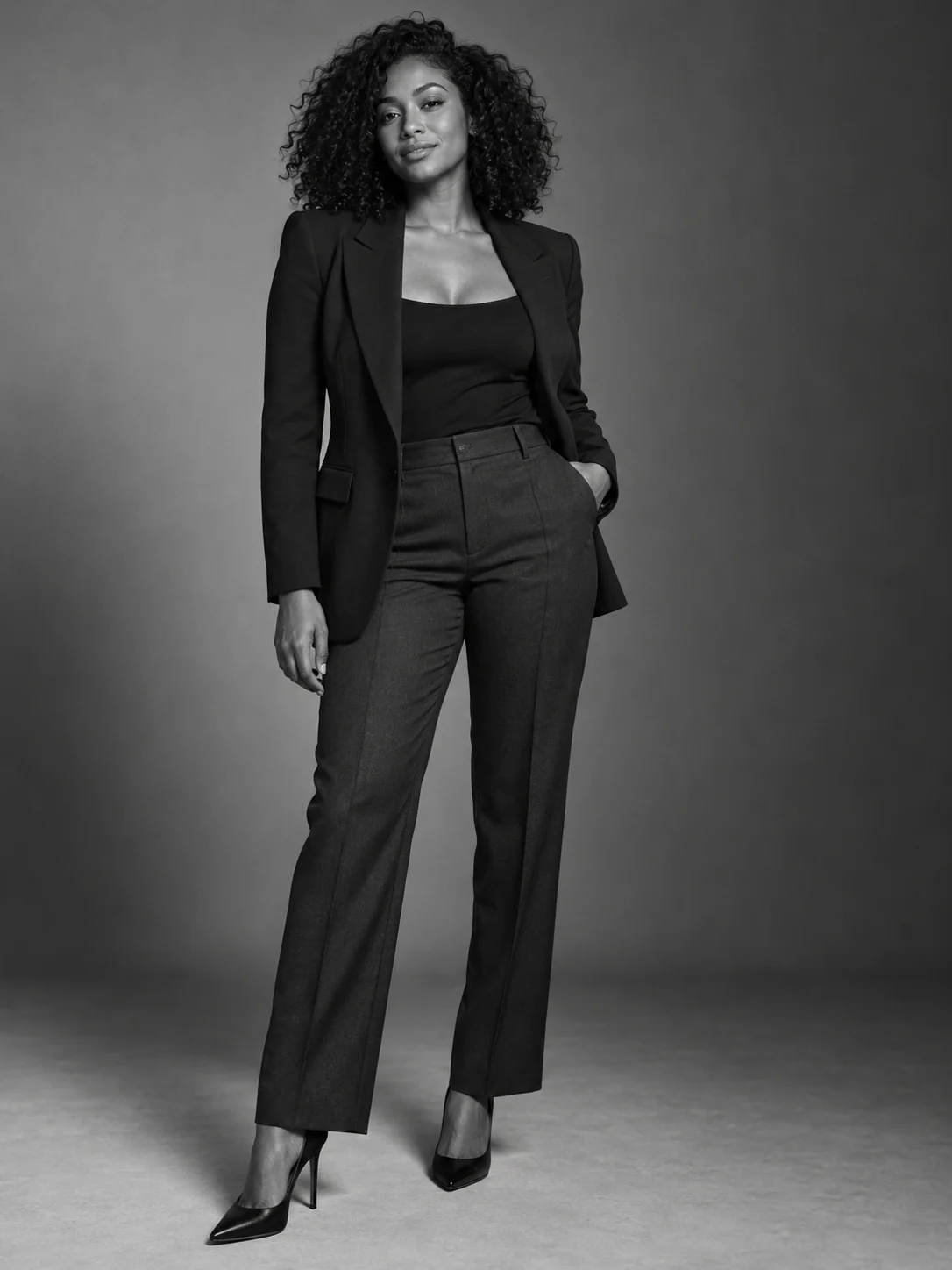
studio / 6 shots
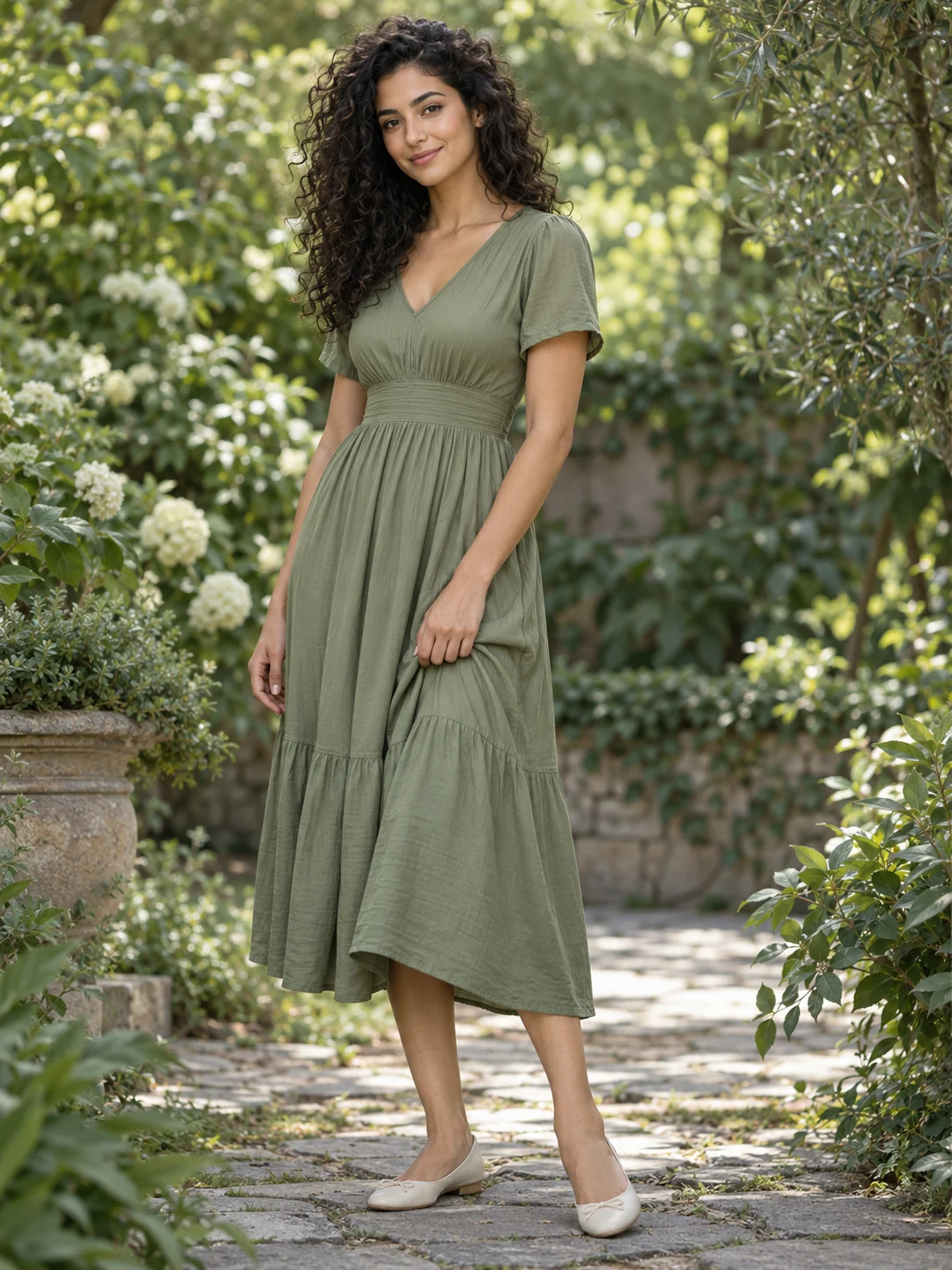
outdoor / 6 shots
One person, one wardrobe, one morning light. See what changes when you direct the camera instead.
Keep one person and outfit across your photos. Choose each pose and scene, see the total price in Studio, and generate the full plan.
A calm first look
Select a frame to study its direction. AI concept images, not generated results from an interactive demo.
Start with one of our adult virtual models. Or bring your own reference photos into a private workspace.
Meet the models Bring your own photosCreate a private identity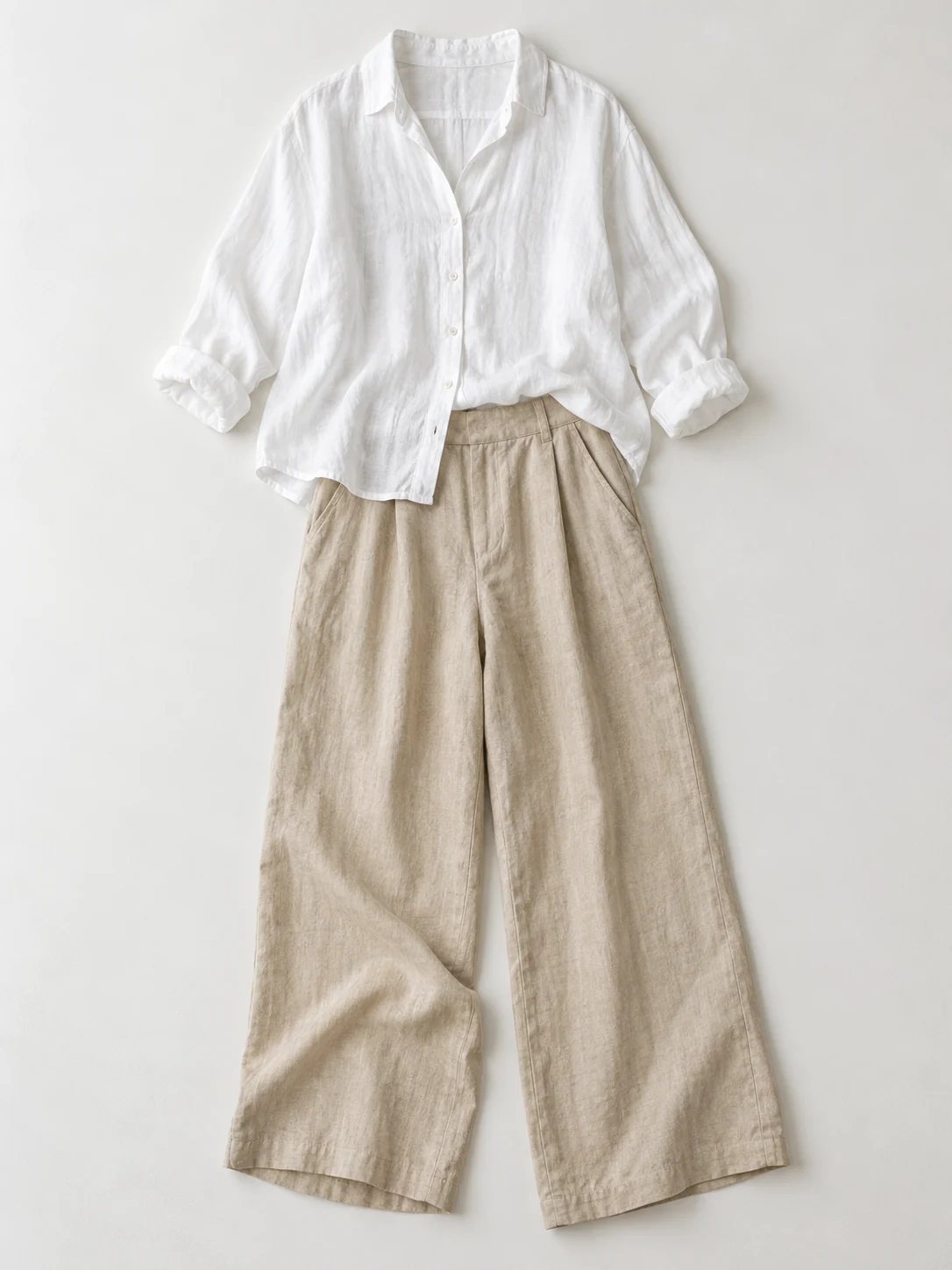 Wardrobe study / White Linen Set
A pearl blouse. Sharp tailoring. Linen with room to move. Choose the outfit that gives your photoshoot its character.
Explore this outfitExpression and small details
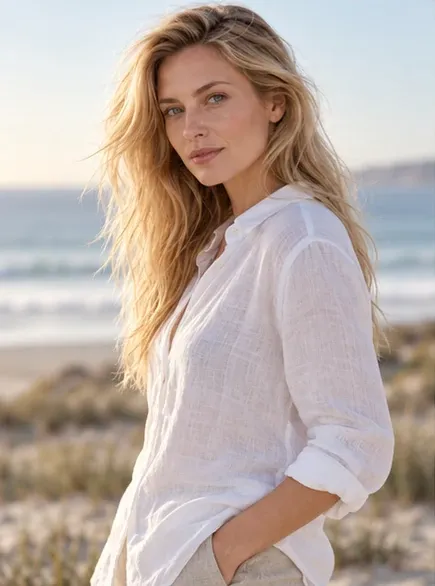
A turn, a glance, a shift in weight
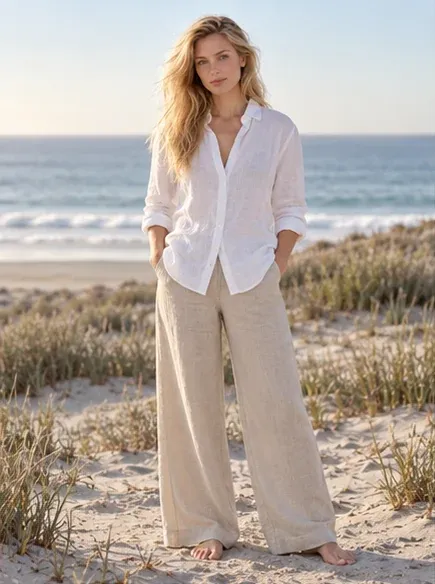
The whole outfit, head to toe
Framing illustrated with an AI concept series. Explore pose recipes to direct your own shots.
A quiet café. An open coast. A studio with nothing to distract. The setting is part of your portrait.
Keep your person and outfit together in Studio. Add a photo for each pose and scene you want, or start with a complete series.

Clear choices, from the first reference to your last download.
How credits workChoose a ready-made photoshoot or combine references as you browse. Keep one person and outfit across one to six photos, each with its own pose and scene. Continue in Studio, review the total credit price, and generate your photoshoot in one action.
Yes. Start with one photo in your plan, or add up to six before generating. Studio shows the price for the full plan. If you have already generated a photo, expanding the plan starts a new, separately priced photoshoot; your earlier album stays available.
Yes. Sign in to My models and upload one to three reference photos of an adult you have permission to depict. Personal references and generated albums stay in your private workspace. They do not become public catalog models.
Your selected person and outfit stay shared across the photoshoot. Each photo can have a different pose, framing and scene. The first generated photo helps guide later photos automatically, though AI results can still vary.
Each shot has its own status. Successful photos stay in your album when another shot fails. You can return to Studio to retry a failed shot. A new variation of a successful photo is a new quoted request.
Ready photos can be downloaded individually or together as a ZIP. If some photos are still processing or need a retry, the album shows which ones are available to download.