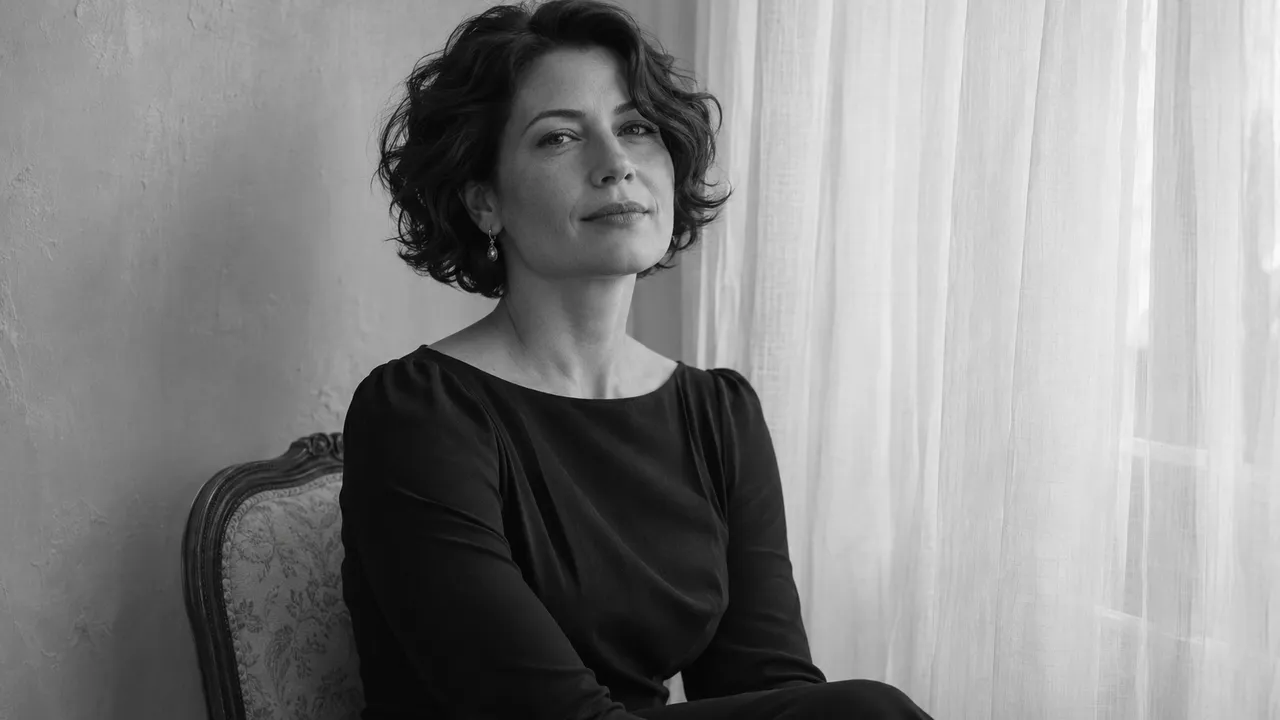
Dark and moody boudoir photos: keep the face visible
Plan a dark AI portrait with readable facial detail, clear clothing and deliberate shadows. Use a simple checklist before deciding what to regenerate.
At a glance
- Keep the face readable while the room falls into shadow.
- Separate dark clothing from the background with tone and light.
- Change one lighting instruction when a result needs another attempt.
A dark portrait still needs something you can see clearly. For a personal AI photoshoot, that is usually your face. Start with a visible face, a defined shoulder line and a small amount of detail in the clothing; let the surrounding room carry the darkness.
This guide is a planning exercise for adult, non-explicit boudoir-inspired portraits. The example below describes a desired image, not a tested AIGirlShot output. If you have not chosen the overall setting yet, start with the complete boudoir concepts.
Decide where the viewer should look
Write one sentence before you describe the room: “The face should be the clearest part of the picture.” That gives you a useful test when reviewing the result. A bright lamp, pale curtain or shiny sleeve should not pull attention away from it.
Dark and moody does not require black and white. Burgundy, midnight blue and warm brown can give you a quiet palette while retaining color. If your main interest is how tones translate without color, use the separate black and white portrait guide.
Choose the amount of facial shadow deliberately. A softly shaded cheek is different from an eye disappearing into black. For an early attempt, ask to retain both eyes, the bridge of the nose and the outline of the mouth. You can decide later whether a more dramatic profile is worth trying.
Build one manageable scene
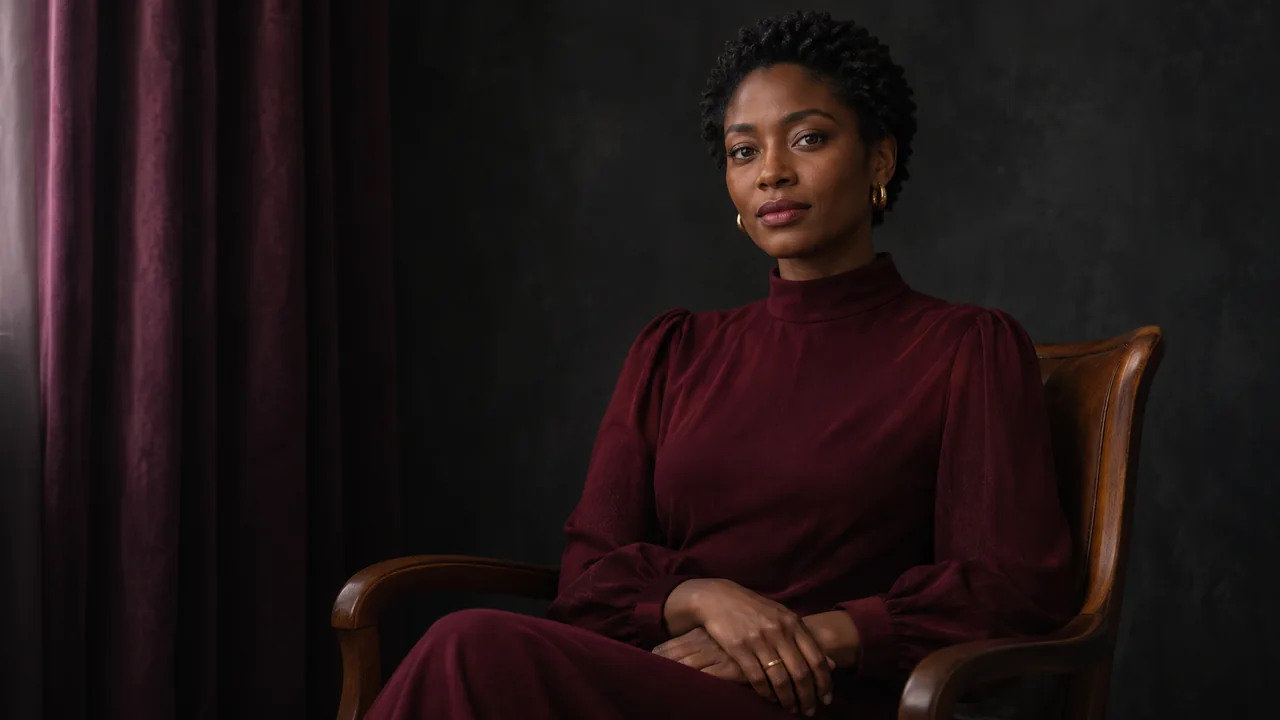
Here is a concept you can adapt to the available scene library: a seated portrait in an opaque dark dress, a plain charcoal room and soft light from one side. Keep the hands resting separately on the lap. A waist-up or knees-up frame gives you enough clothing context without filling the picture with furniture.
| Part of the image | Planning instruction | What to inspect |
|---|---|---|
| Face | Soft directional light; eyes remain visible | Eye shape, mouth and cheek detail |
| Clothing | Dark fabric with readable folds | Neckline, sleeve edges and material |
| Background | Subdued, plain and slightly different in tone | A clear boundary around hair and shoulders |
| Hands | Relaxed, separate and visible | Natural wrists and fingers |
| Bright accents | One small accent at most | Nothing brighter than the face without a reason |
The lighting guide explains how to distinguish soft illumination from harder shadow edges.
A short description for the plan
Use the selected person and outfit as the starting point, then add a clear scene description:
Adult portrait, seated naturally in the selected opaque evening outfit. Quiet charcoal interior, soft light from camera left, both eyes readable and gentle shadow on the far cheek. Retain natural facial features, fabric folds and a clear shoulder outline. Restrained warm color, relaxed hands on the lap.
Remove any clause that contradicts the selected materials. A bright outdoor scene and a description of a dark indoor room ask for two different pictures. Choose the closer scene first rather than trying to override every part of it in text.
You also do not need a string of cinematic camera brands or exposure settings. A description of the visible result is easier to review: you can tell whether the eyes are readable, but you cannot confirm an imaginary shutter speed from the image.
Diagnose the result before asking for another one
Compare the photo at normal viewing size and then inspect the downloaded file more closely. Do not judge it only from a small, bright thumbnail.
If the face has vanished, change the face-light instruction: ask for gentler shadow and visible eyes. If the dress merges into the wall, change the background tone or ask for a clearer garment edge. If the image feels flat, keep the face readable while allowing more shadow in the background. Those are different problems; changing them all at once makes the next result harder to evaluate.
Watch for an image that looks attractive but no longer looks like you. Deep shadow can make that judgment difficult. Compare the visible features with your references, and use the likeness checklist if the first portrait already feels unfamiliar.
Regeneration creates another image. It is not a tool for recovering authentic detail from an area that contains none, and it may change details that you liked. Check the displayed price before a new attempt and keep the earlier result until you have compared them.
Choose the frame that earns its place
A close portrait can work even when the rest of a set uses wider views. Decide whether this photograph is meant to show expression, clothing or atmosphere, then use the framing guide to give that subject enough space.
Before keeping it, ask whether the person is recognizable, the outfit stays within your chosen coverage, and the dark areas feel intentional. A photograph does not need to reveal every corner of the room. It should reveal what you made it for. Use the photo selection guide to compare it with the rest of your set.
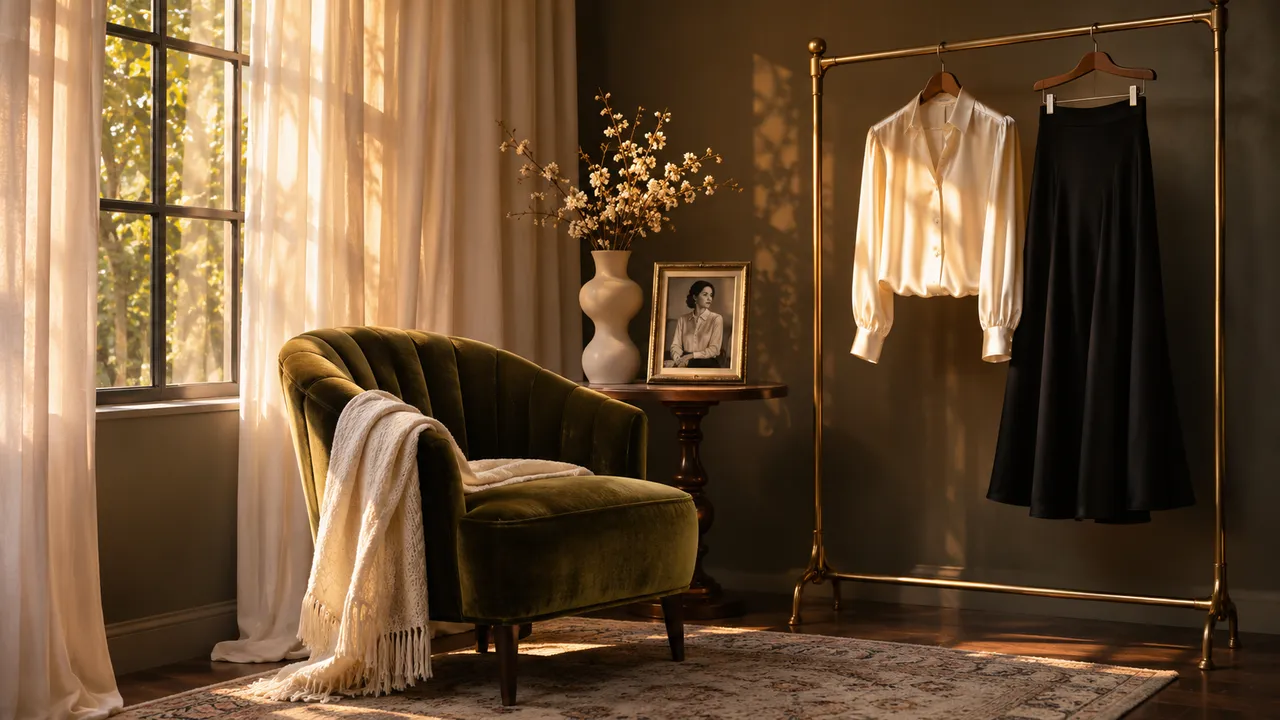
Cover: AI-generated editorial illustration, not an AIGirlShot result.
Written by
AIGirlShot Team
Portrait planning and practical guides from the AIGirlShot team.
Related posts