Why your first AI portrait does not look like you
Check the selected person, reference photos and style instructions when your first AI portrait feels unfamiliar. Make one useful change before retrying.
At a glance
- Confirm that the project uses your private person rather than a virtual model.
- Check clear identity information before adding stronger style instructions.
- Change one condition and set a limit on further attempts.
An attractive AI portrait can still feel like a picture of somebody else. If the first result is unfamiliar, stop judging the outfit for a moment and check what the project was asked to preserve. The selected person, the reference photos and the style description are the most useful places to begin.
This guide is for a first image that already looks wrong. If the first photo looks convincing and later photos drift, use the guide to keeping a face consistent across a set. Those are different starting problems.
Confirm which person is selected
AIGirlShot supports a public virtual person or a private person based on your owned reference photos. Choosing a virtual model does not turn that model into you because the scene resembles your bedroom or the outfit resembles your clothes.
Open the project and check the selected person. If you intended to use yourself, confirm the correct private person and reference files are attached. A familiar project name is not enough to verify this selection. The own photos or virtual model guide explains the distinction before you start another shoot.
Also check whether you are looking at a generated result or a catalog reference. Catalog images help you choose a pose, outfit or scene; they are not newly generated photos of the person in your project.
Describe what feels unfamiliar
“It doesn't look like me” is a valid reaction, but a more specific note helps you decide what to change. Compare the result with a clear, unfiltered photograph of yourself at a similar angle if you have one.
| What changed? | What to inspect first |
|---|---|
| Face shape or proportions | Clear view of the face in the selected references; strong reshaping language |
| Apparent age | Heavy beauty filtering, old references or age-changing instructions |
| Hairline or hairstyle | Occlusion in the reference and conflicting hair descriptions |
| Expression feels unlike you | Requested expression and how different it is from the references |
| Everything looks like another person | Selected person, mixed subjects and whether the reference loaded |
Lighting and expression can alter how a face appears, so a straight-on reference and a sharply turned dramatic portrait will not look identical. That does not mean you must accept an image that feels wrong. It means you should compare features carefully before assuming that every difference has the same cause.
Review the references as a small, coherent set
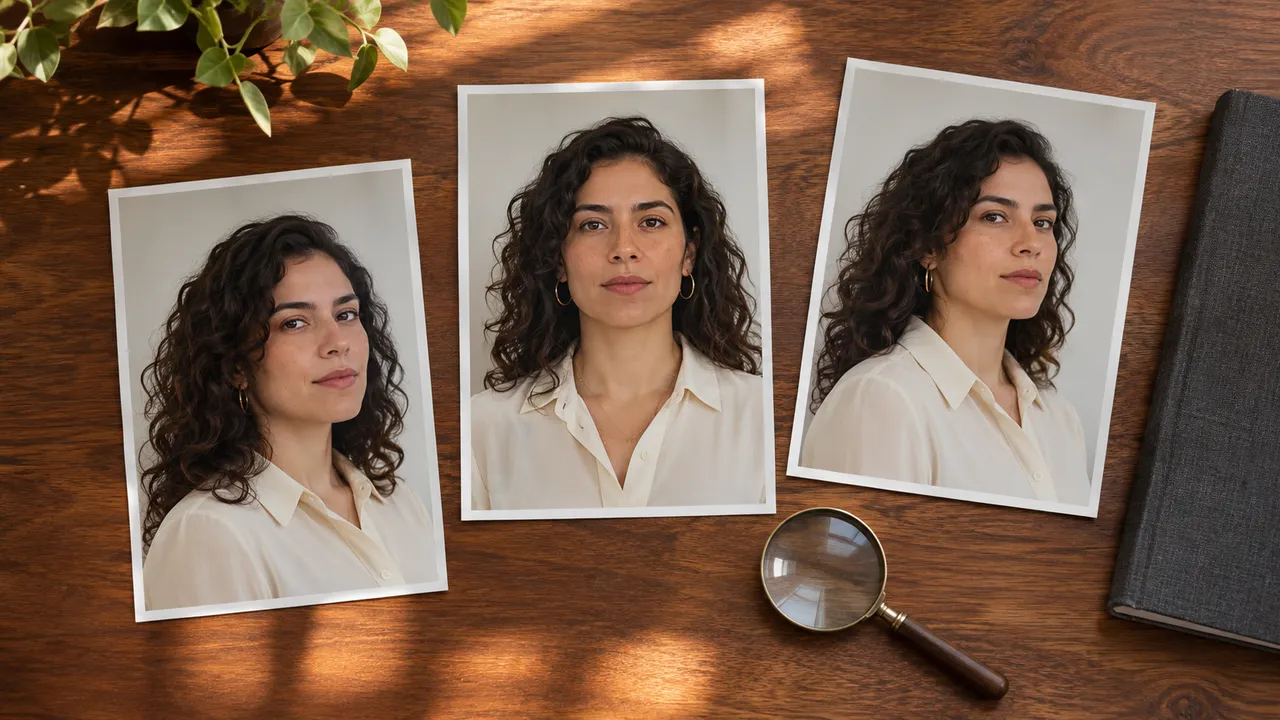
The current private-person flow accepts one to three reference images. More is not automatically better. They should show the same consenting adult clearly, without another face competing for attention. Avoid a set that mixes heavily filtered selfies, an old hairstyle and a distant group photograph.
Check whether glasses, hair, a phone or a hand cover features you need the system to see. Look for a face that occupies enough of the image to inspect. A dramatic source photo may be beautiful while revealing little about the shadowed side of the face.
The reference-photo checklist goes through file selection in detail. Reference images guide generation; they do not guarantee an exact identity match or reproduce a person's face like copying a file.
Reduce style conflicts before a new attempt
If the project asks for a transformed jawline, a different age and heavily stylized makeup, those directions may conflict with your wish to look like yourself. Keep the clothing and setting you want, but remove changes to personal features that you did not intend.
A restrained planning note could be:
Use the selected adult subject as the identity reference. Simple seated portrait, relaxed expression, soft side light and modest evening styling. Preserve the person's characteristic facial proportions and avoid an exaggerated beauty-retouching look.
This is an example description, not a tested identity-lock command. See how to structure an AI photoshoot prompt for separating the person from the scene and shot instructions.
Make one useful change, with a spending limit
Choose one clear adjustment: correct the selected person, replace an unsuitable reference, or simplify the style request. Keep a note of it and check the quote before generating again. Changing the person for a series can require a new series rather than a replacement of one isolated detail.
AIGirlShot's series workflow can continue automatically after its first image; it does not require a separate paid-preview approval step. If the first completed photo reveals an identity problem, let the current job status guide your next action. Do not assume you can retroactively change references for work already in progress.
Decide how many additional attempts you are prepared to buy. A second result is another generated interpretation, not proof that a prompt can force perfect likeness. Use the selection checklist to decide whether the result is actually worth keeping.
If the correct person and clear references repeatedly produce an unrelated-looking face, or the project appears to use the wrong files, contact support with the project identifier and a concise description. Do not publish your private reference photos to troubleshoot the issue. You can pause the experiment without having to make the remaining credits justify the first attempt.
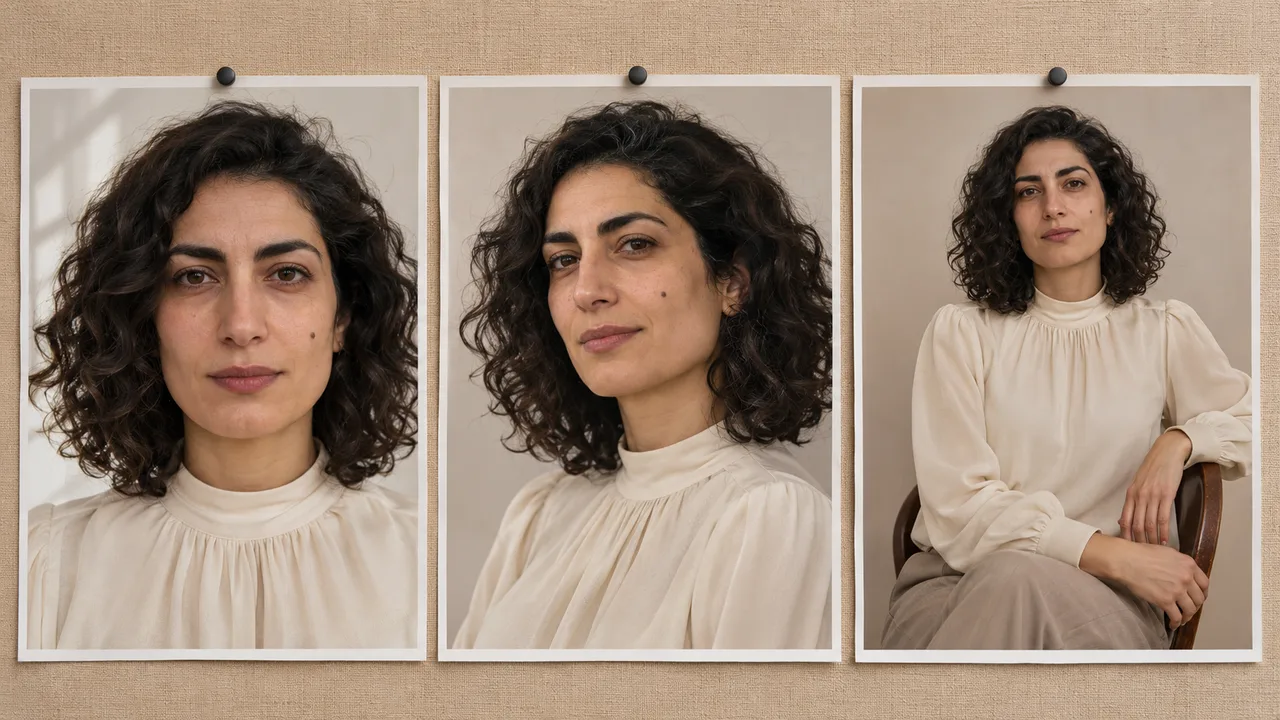
Cover: AI-generated editorial illustration, not an AIGirlShot result.
Written by
AIGirlShot Team
Portrait planning and practical guides from the AIGirlShot team.
Related posts