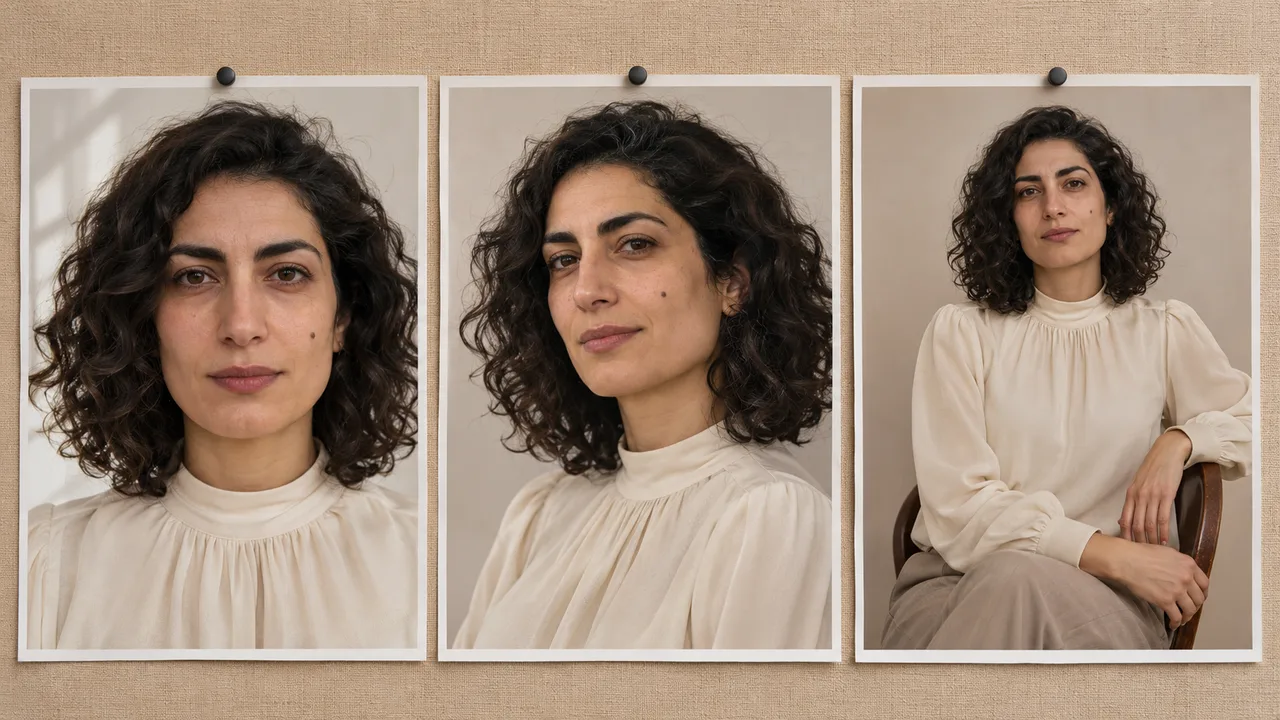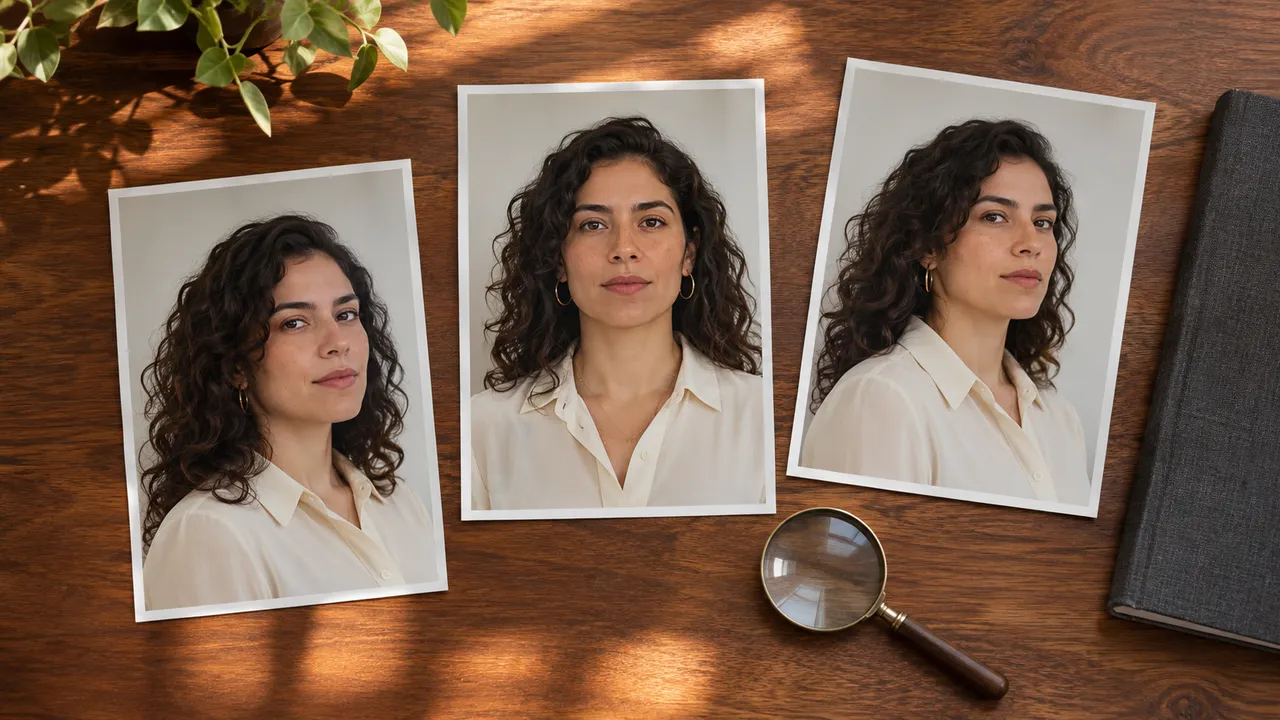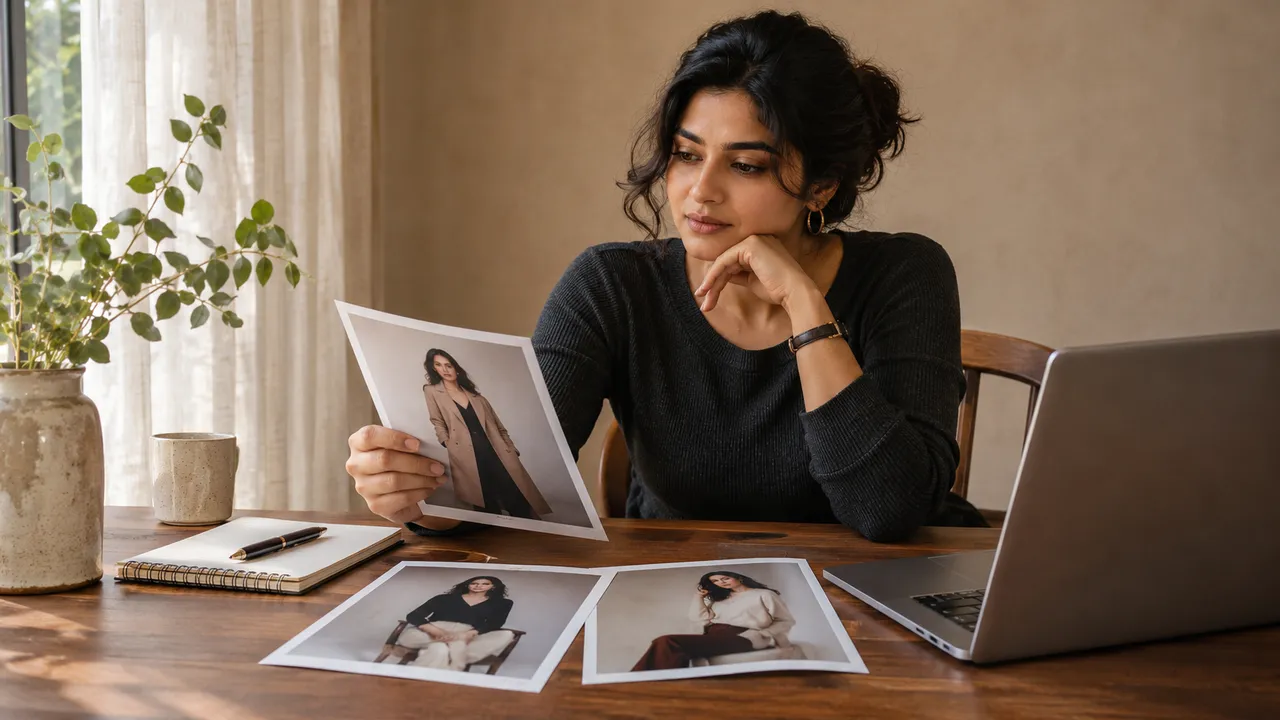
How to choose the best photos from an AI-generated set
Review face, hands, clothing and composition before keeping an AI portrait. Choose a coherent set and decide which shots deserve a paid redo.
At a glance
- Inspect original downloads as well as the album thumbnails.
- Choose each photo for a purpose, then review the set together.
- Spend redo credits only on a specific change you can describe.
The best AI photo is the one you want to use after looking closely. A thumbnail may have a strong expression while hiding an odd wrist or a broken dress strap. Download the available originals, review each one, then decide whether the set works together.
You do not need to keep every planned frame. Three convincing photographs can be a better personal collection than six near-duplicates with two obvious defects. This is a selection method you can use yourself, not an automatic quality score supplied by AIGirlShot.
Decide what the pictures are for
Write down the intended use before comparing tiny details. A private phone album, a printed gift and a profile portrait require different framing and levels of close inspection. For a personal boudoir-inspired set, also check whether each photograph stays within the coverage and mood you intended.
If you already made a six-photo shoot plan, use those roles: perhaps one closer portrait, two seated views, a standing frame, a room-setting view and a final quiet expression. A role is a useful reason to retain a photograph. “It was generated” is not.
First pass: does the whole photograph work?
View each image at a comfortable size without zooming straight into a fingertip. Ask whether the expression, silhouette, outfit and setting feel right together. Mark an initial preference, but do not make the final choice yet.
Notice unwanted changes to the person. If one photo appears to show a different face, a completely different body shape or an unfamiliar age, its polished lighting does not cancel that problem. For a multi-image likeness issue, see face consistency across a set.
Also check emotional fit. You might prefer a calm, direct portrait to a dramatic pose even when the dramatic one looks technically cleaner. The set belongs to you; it does not need to resemble somebody else's concept board.
Second pass: inspect the original file
Open the downloaded image and review it at its actual pixel size. Then return to the size at which you will use it. This keeps both obvious defects and practical viewing conditions in the decision.
| Area | What to inspect |
|---|---|
| Face | Recognizable proportions, eyes looking in a plausible direction, natural mouth and teeth |
| Hands and limbs | Clear connections, plausible joints and understandable contact with objects |
| Skin | Consistent rendering across face, neck and hands; no distracting patches or plastic sheen |
| Outfit | Intended coverage, plausible seams and closures, consistent color and accessories |
| Background | Furniture edges, reflections, objects and any unwanted text |
| Crop | Enough room around the head and body for the intended final use |
This checklist is not a demand for a clinical or textureless photograph. It is a way to find details that would distract you later. When the problem is specific, the next action becomes easier: simplify the hand pose, rethink skin rendering, or check outfit consistency.
Give every photo one of three decisions
Keep: you like the image, it fits the intended use, and no visible problem matters enough to replace it. Save the original before making crops or sharing copies.
Redo: the photograph has a useful role in the set and you can describe a concrete change. “Same seated idea, hands resting separately” is actionable. “Make everything perfect” is not. Check the new quote and your retake budget first; another attempt can improve one detail while changing another.
Leave out: you do not need the frame, it duplicates a better photograph, or its problems would require a substantially different concept. Leaving it out can be the most satisfying decision because it ends a loop of small, expensive compromises.
Make these decisions in your own notes or folders if needed. They are a personal review system, not a claim that the application provides these three labels.
Review the keepers together
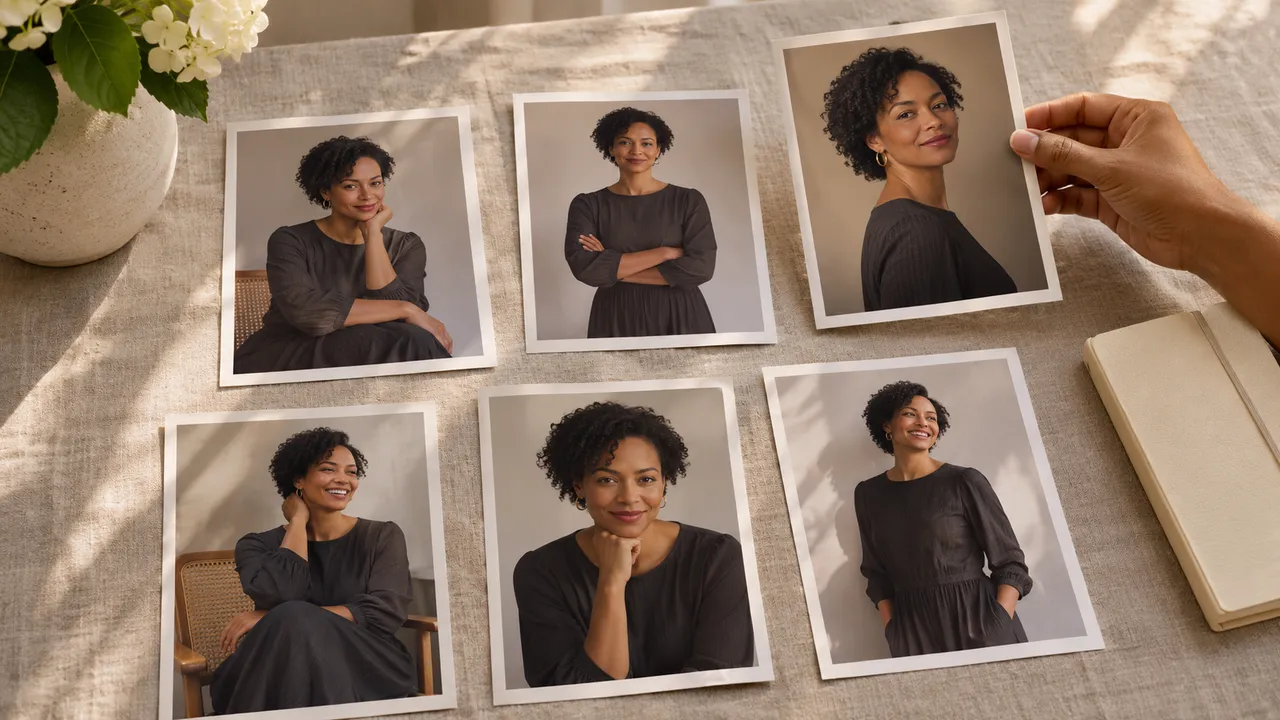
Arrange the selected files side by side. Look for enough variation to make the collection worth browsing: distance, angle, gaze and pose can change while the person and outfit remain coherent.
If three images serve the same role, choose the strongest one unless the small variation is meaningful to you. Look for accidental changes in jewelry, neckline or body proportions across the set. One attractive frame can still feel out of place beside the others.
Name the keeper files clearly in your own storage. A simple order such as 01-portrait, 02-seated and 03-standing is easier to recognize than several indistinguishable downloads. Keep an untouched original and make any sharing crop as a separate copy.
Finish with the delivery checks
AIGirlShot lets you download available completed images individually or in an album ZIP. For ZIP downloads, sign in with a verified email and check the included photo count, especially if part of the set is still unfinished.
Before a print order, check pixels and cropping. Before importing into a synced library or sending an album link, review private storage and sharing. Choosing the final images includes choosing where those images will go.
Cover: AI-generated editorial illustration, not an AIGirlShot result.
Written by
AIGirlShot Team
Portrait planning and practical guides from the AIGirlShot team.
Related posts