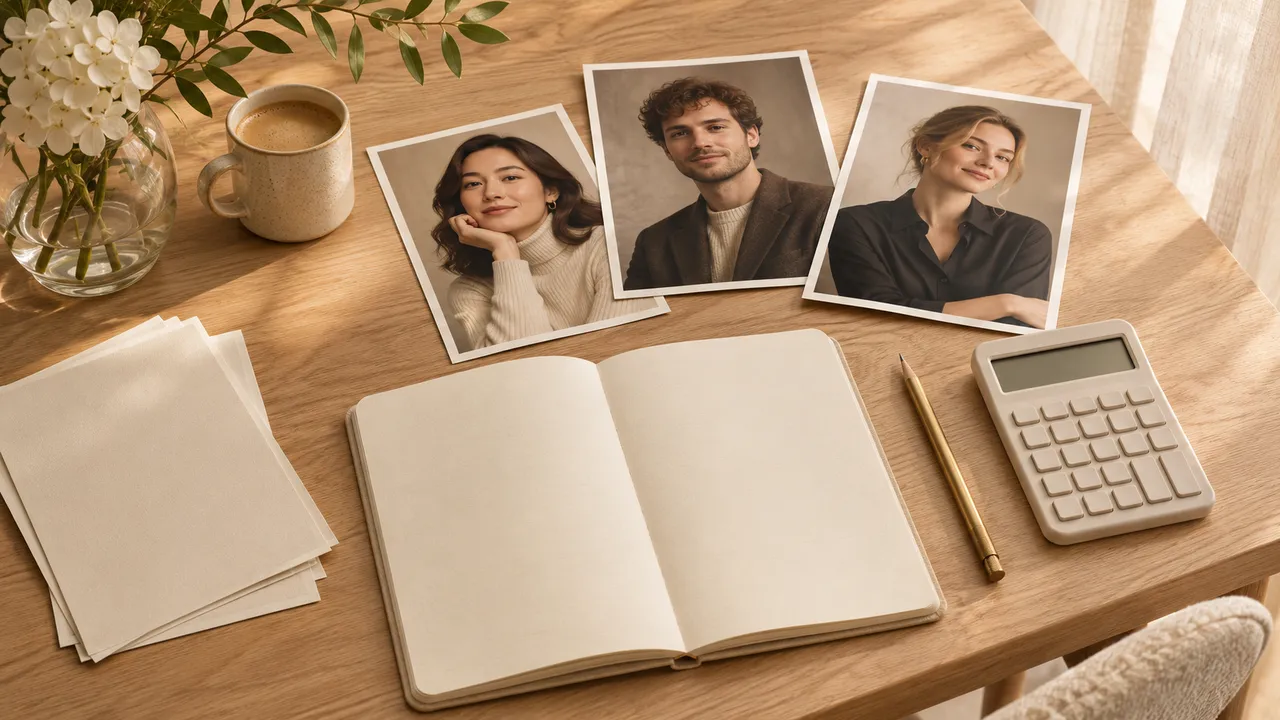
AI boudoir photography: what to expect before you start
Choose the mood, coverage, and references for a private AI portrait set, with clear expectations about likeness, privacy, and retakes.
At a glance
- Describe clothing coverage and mood instead of relying on the word boudoir.
- A reference photo guides likeness without guaranteeing an exact match.
- Check privacy and the current generation quote before uploading or spending.
AI boudoir photography uses image generation to create a portrait with a private, intimate mood. You choose references and describe the clothes, room, lighting, and pose. The result is a synthetic picture, so it can suggest a photoshoot without recording one that happened.
For this guide, boudoir means consensual adult portrait planning with non-explicit styling. A close expression, an opaque evening dress, and soft window light can create that feeling without revealing more than you want. Start by deciding how you want the picture to feel and what should stay covered.
Turn the mood into visible choices
Words such as "sexy," "classy," and "intimate" leave a lot to interpretation. A useful plan says what the viewer should actually see. Instead of "a sexy bedroom portrait," describe a fully opaque outfit, a relaxed seated pose, and a quiet interior with gentle light on the face.
Make four decisions before generating:
- What garment is worn, including its neckline, sleeves, and length?
- How much of the person is in frame?
- Is the expression direct, thoughtful, or smiling?
- What makes the room feel personal without adding distracting objects?
These choices are preferences, not tests of confidence or attractiveness. You can change them between projects. If you want polished fashion imagery more than a private-room atmosphere, the glamour and boudoir comparison will help you choose a direction.
Three concepts you can plan without an elaborate brief
These are conceptual starting points, not claims that AIGirlShot has tested or offers each as a preset. Check the currently available outfits and scenes, and describe any supported custom details clearly.
| Concept | Clothing and frame | Mood to describe |
|---|---|---|
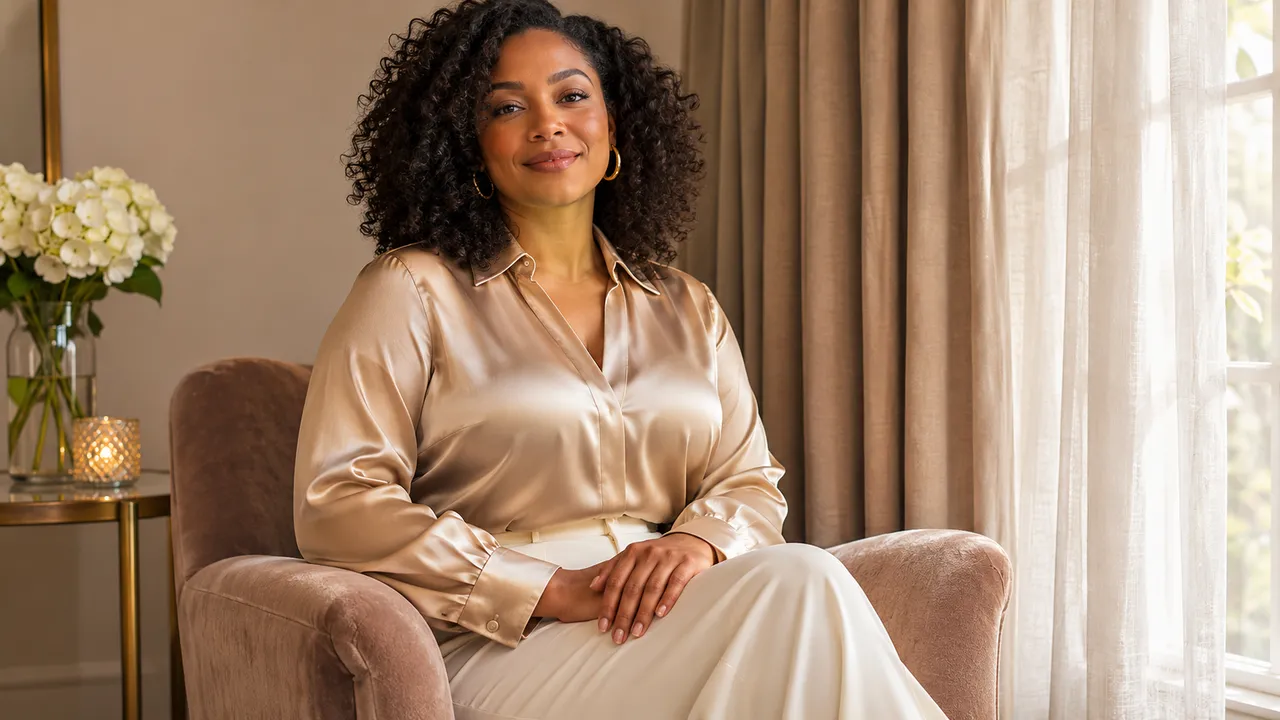
| Quiet window portrait | Opaque long-sleeved dress, seated waist-up frame | Relaxed posture, soft daylight, uncluttered room |
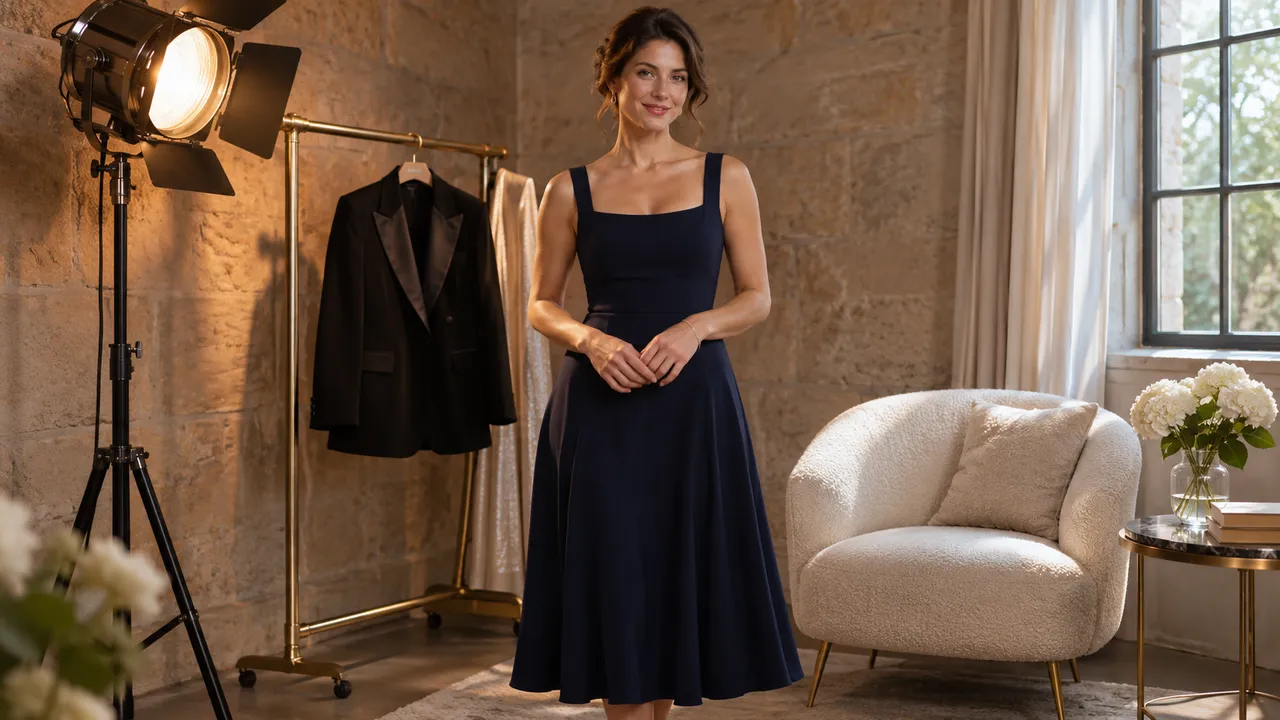
| Evening editorial | Modest satin midi dress, standing three-quarter frame | Composed expression, controlled sheen, simple background |
| Personal monochrome study | Opaque knit top and trousers, closer portrait | Visible skin texture, gentle shadow, black-and-white tones |
Pick one direction for the first set. Changing the outfit, room, pose, and lighting in every photo makes it harder to tell which decision caused an unwanted result. The boudoir idea guide expands these choices into complete concepts.
Expect to judge likeness yourself
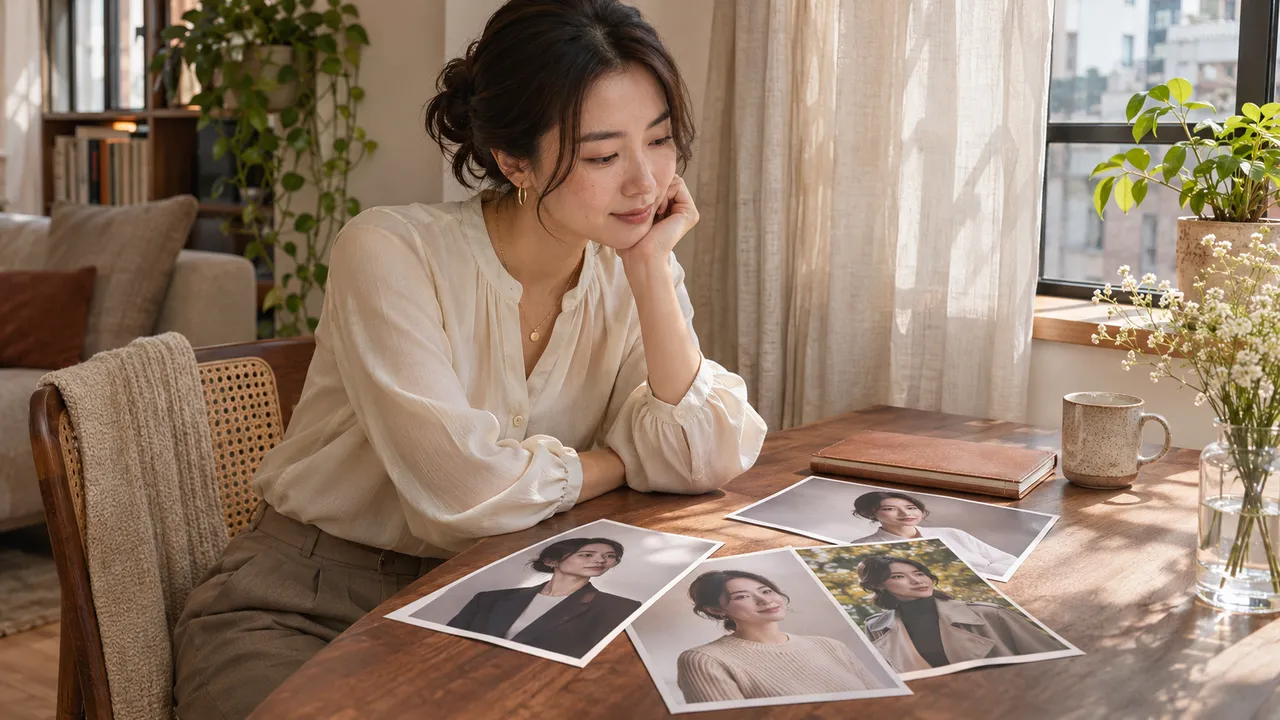
A reference image is guidance. It is not a promise that every generated face, body proportion, hairstyle, or small feature will remain accurate. A finished picture can look convincing while still failing to look like you.
Use clear, current references and compare the result with them. Check the shape of the face, eyes, nose, and mouth before evaluating how flattering the lighting looks. Keep recognizable features in your brief; avoid stacking requests for a different face shape, age, or appearance if likeness is the priority.
AIGirlShot accepts one to three photos for a private identity. It does not require you to prepare a large personal training dataset. The reference-photo guide explains what useful additional views contribute.
Check coverage in the output, too
An instruction about clothing is a request that still needs inspection. Check that the generated garment stays opaque and that the neckline, hemline, and pose match your boundaries. Reject an image that exceeds them, even if other parts of the image work.
Provider rules can affect which requests are accepted. A concept in a blog or a competitor's gallery does not establish that the current AIGirlShot provider will generate it. This guide does not promise nude, explicit, or unrestricted output. Choose a supported, non-explicit concept that you are comfortable reviewing and saving.
Separate privacy from the look of the picture
An intimate-looking room says nothing about how the uploaded image is processed. AIGirlShot's private references and albums are associated with the account and excluded from the public catalog and sitemap. Its privacy policy also explains that a generation provider receives the prompt and necessary references.
Before using a personal image, check the upload privacy questions. If those answers do not meet your needs, use a fictional virtual model to explore a style, or stop before uploading.
Set a practical stopping point
Decide how many pictures you want to keep and what would make one unusable. Review the quote before generation and allow for separately priced retakes. A request that completes technically can still produce a portrait you dislike.
Once you have chosen a concept and checked your references, turn it into a six-photo plan. A useful first goal is a coherent set with recognizable features and the coverage you chose. The final selection remains yours.
Cover: AI-generated editorial illustration, not an AIGirlShot result.
Written by
AIGirlShot Team
Portrait planning and practical guides from the AIGirlShot team.
Related posts