Which reference photos should you upload for an AI photoshoot?
Choose one to three clear reference photos, avoid conflicting inputs, and separate your identity from the style of your AI portrait set.
At a glance
- Choose a clear main photo that shows the face you want the set to preserve.
- Add another view only when it gives useful, consistent information.
- Check consent and privacy before uploading personal photographs.
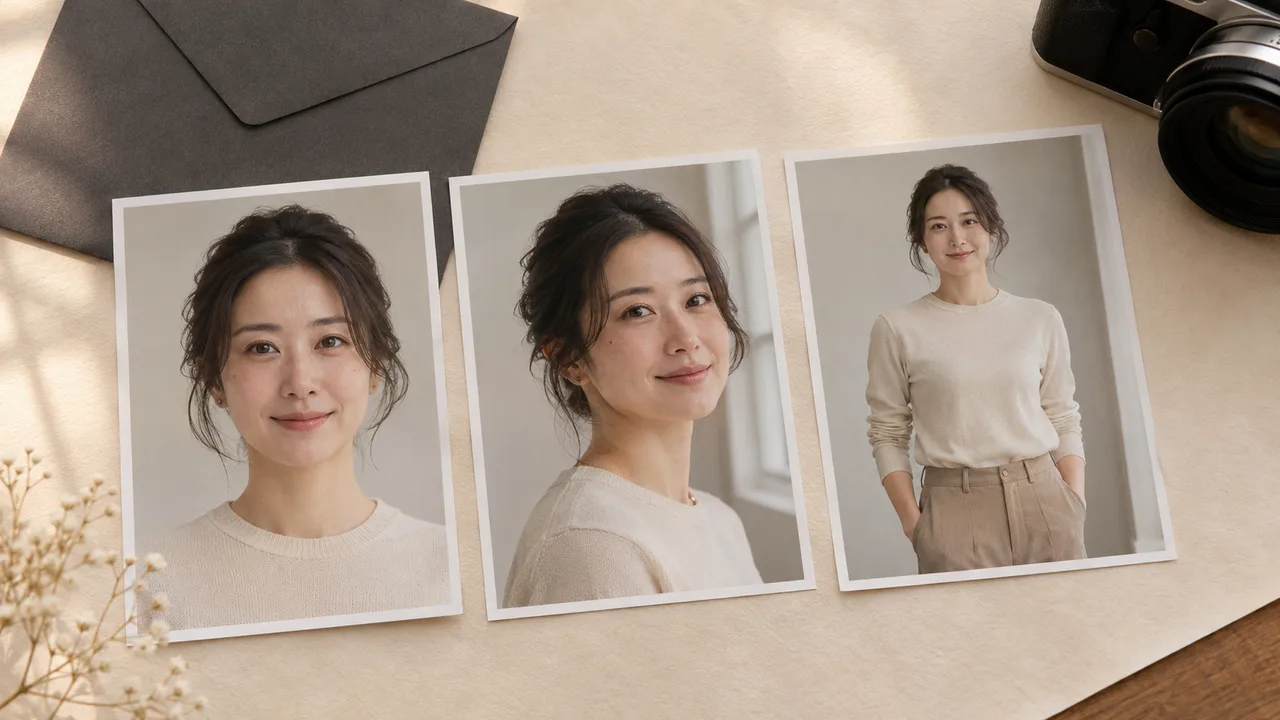
Start with the photo in which you are easiest to recognize. A clear, ordinary portrait can be a more useful identity reference than your favorite heavily styled selfie. The reference needs to show your face; the photoshoot plan supplies the new clothes, pose and setting.
AIGirlShot's personal-model form accepts one to three JPG, PNG or WebP photos, with a displayed limit of 10 MB per photo. You need to sign in and verify your email to upload. Use photos of yourself or an adult who has explicitly given permission, and confirm the form's adult and permission statement.
Before choosing files, read the privacy checks for personal AI portraits. A private account page tells you about application access. It does not, by itself, answer every question about the providers processing an image.
Pick the main photo first
Open a candidate at a comfortable viewing size. Can you see the shape of both eyes, the nose, the mouth and the edge of the face? Does the face still have detail when you look more closely? A photo that looks good as a tiny thumbnail may turn out to be soft or heavily filtered.
For a straightforward starting reference, choose a single-person portrait with a relaxed expression, a mostly forward-facing head and even enough light to see the face. The background need not be a professional studio. It should simply make it easy to tell who the intended person is.
Keep your current appearance in mind. A reference with an old haircut, strong contouring or a filter that changes facial proportions may describe a different look from the one you expect now. Decide which appearance the new set should follow before you mix images.
| What you see | What to do before uploading |
|---|---|
| A clear face with visible features | Keep it as a main-reference candidate. |
| Sunglasses, a phone or hair covering much of the face | Choose another photo with those features visible. |
| Very bright highlights or deep shadow across the face | Look for a more evenly lit image. |
| A beauty filter that changes the jaw, eyes or skin | Prefer the original file, if you have it. |
| Several people close together | Choose a single-person photograph. |
| A small screenshot or a repeatedly saved image | Find the original photo where possible. |
These are selection guidelines, not a guarantee of likeness. A good input still needs a careful output check.
Decide whether a second or third photo helps
The form allows up to three photos; you do not need to fill every slot. Another copy of the same selfie adds little to your decision. A clear, slightly turned view can show information that the main photo does not, provided it is recognizably the same person with a compatible appearance.
Try laying your candidates beside each other before uploading. Check whether hairstyle, facial proportions and apparent skin tone agree. Different lighting can change how skin looks, so favor photos that do not leave you guessing which appearance you want the output to follow.
For example, a sensible selection plan might use a clear forward-facing portrait and a second portrait with a small head turn. A third photo is optional. This example is not a tested combination or a claim that a particular number produces better results.
AIGirlShot also uses references for the outfit, pose and series continuity. The image provider has a reference limit, so every extra identity view is not necessarily included in every generated photo. Make the main identity reference useful on its own. More uploads should not become a substitute for choosing a clear first image.
Keep identity and style in separate jobs
You do not need to recreate the intended boudoir-inspired look in your upload. A normal clothed portrait can provide identity information while the plan describes a fully clothed evening portrait, soft window light or another non-explicit concept.
Use the selected outfit to describe clothing. Use the scene and pose choices for the setting and body position. Put further creative preferences in the available direction fields. Asking one reference photo to specify your face, an unrelated outfit and an entirely different room makes the plan harder to review.
If your immediate goal is only to explore a style without uploading yourself, compare personal references and public virtual models before starting.
Run a final upload check
Before selecting the files, confirm that each photo shows the intended adult and that you have permission to use it for this purpose. Review the background for other people or personal information you did not intend to upload. Confirm the file format and size in the upload form, then give the saved personal model a name you will recognize in your own account.
Check that the intended personal model is selected in the photoshoot plan before generating. A well-chosen reference cannot help a project that still points at a public virtual model.
Once the references are ready, use the six-photo planning worksheet to separate shared choices from individual shots. For the broader sequence, follow how to make AI photos of yourself. If the first output still looks like someone else, work through the first-photo likeness checklist before spending more on the same setup.
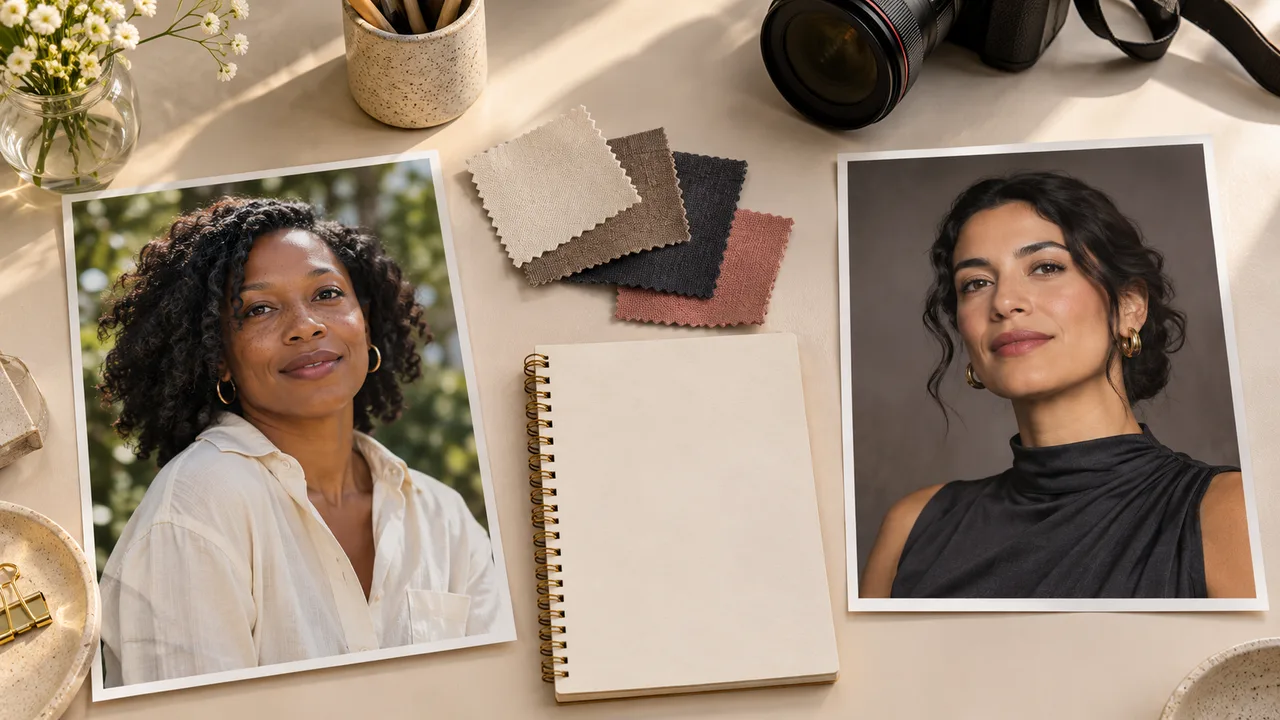
Cover: AI-generated editorial illustration, not an AIGirlShot result.
Written by
AIGirlShot Team
Portrait planning and practical guides from the AIGirlShot team.
Related posts