How to make AI photos of yourself: from reference photo to finished set
Plan your first AI photoshoot, choose reference photos, review the quote, and decide which results to keep or redo.
At a glance
- Choose a clear portrait goal before uploading reference photos.
- Review the whole photo plan and its quote before generating.
- Check identity and clothing before deciding what to download or redo.
To make AI photos of yourself, start with clear reference photos and a small, deliberate photo plan. Choose the person, outfit, setting, and individual shots; review the price; then check the finished pictures for likeness and details before keeping them. A longer prompt cannot replace those decisions.
AI portrait generation creates a new image using your references and instructions. It can change clothing, surroundings, and composition, but the result may also change features you wanted to preserve. Treat the first set as something to assess, rather than assuming every delivered image will be a keeper.
Decide what the set is for
Choose one purpose: a personal keepsake, a birthday portrait, a fashion experiment, or a non-explicit boudoir-inspired set. This determines the clothing coverage, mood, and framing you need.
For example, a private keepsake might use an opaque evening dress, a quiet interior, and a few relaxed seated portraits. A public profile picture needs a different selection process. Write the purpose in one sentence so you can judge the results against it later.
If intimate styling is your starting point, read what to expect from AI boudoir photography. Use photos of yourself or an adult who has explicitly agreed to this particular use.
Check the upload decision first
Before choosing a reference, read the service's privacy policy. A private album and a generation provider's handling of your image are separate questions. AIGirlShot's privacy policy explains that the configured generation provider receives the prompt and reference images needed for a request.
If you are unsure what you are comfortable uploading, work through the private portrait privacy checklist first. You can also explore the public virtual models without using your own face as the reference.
Pick references that show the person clearly
AIGirlShot's private identity form accepts one to three JPG, PNG, or WebP photos, up to 10 MB each. Uploading requires a signed-in account with a verified email address.
Choose a clear primary photo with an unobstructed face and recognizable, current features. An additional view should add useful information, such as a slightly different angle. Avoid using several versions of one heavily filtered selfie. You do not need an intimate reference photo to describe an evening outfit or a quiet room.
The reference-photo guide explains how to choose between similar images. Keep the originals available so you can compare likeness after generation.
Build a plan with a reason for each photo
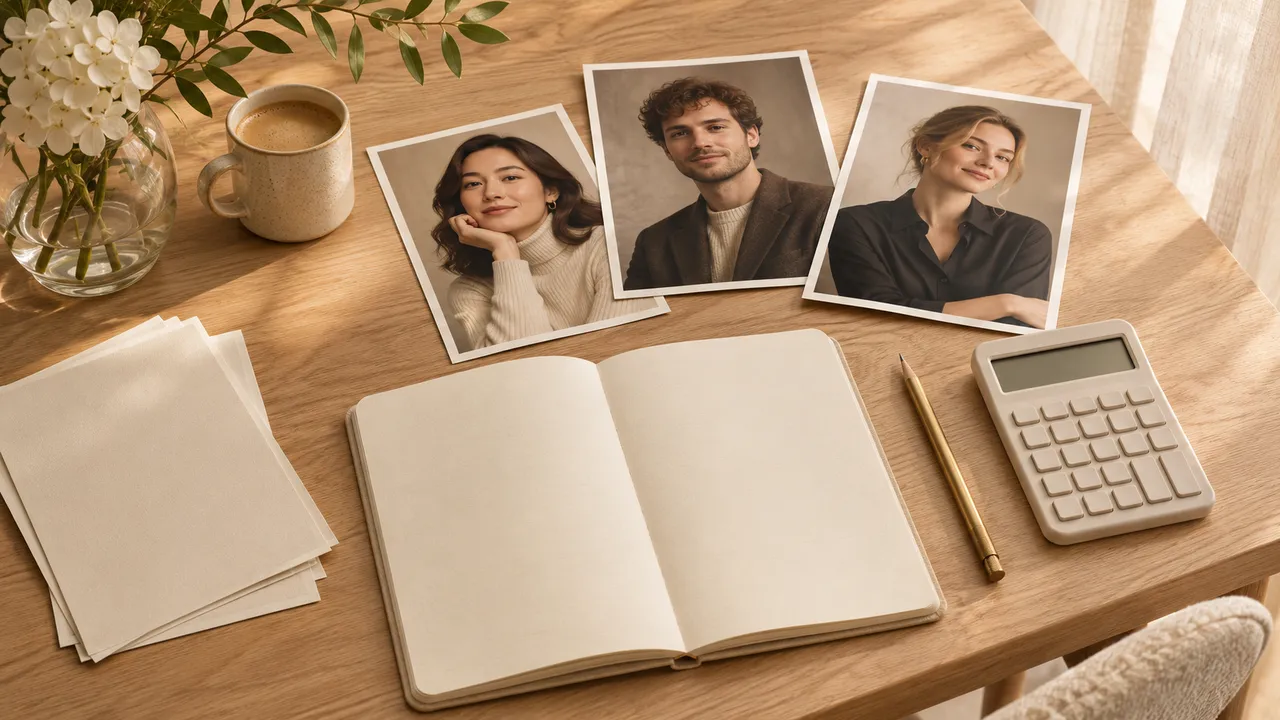
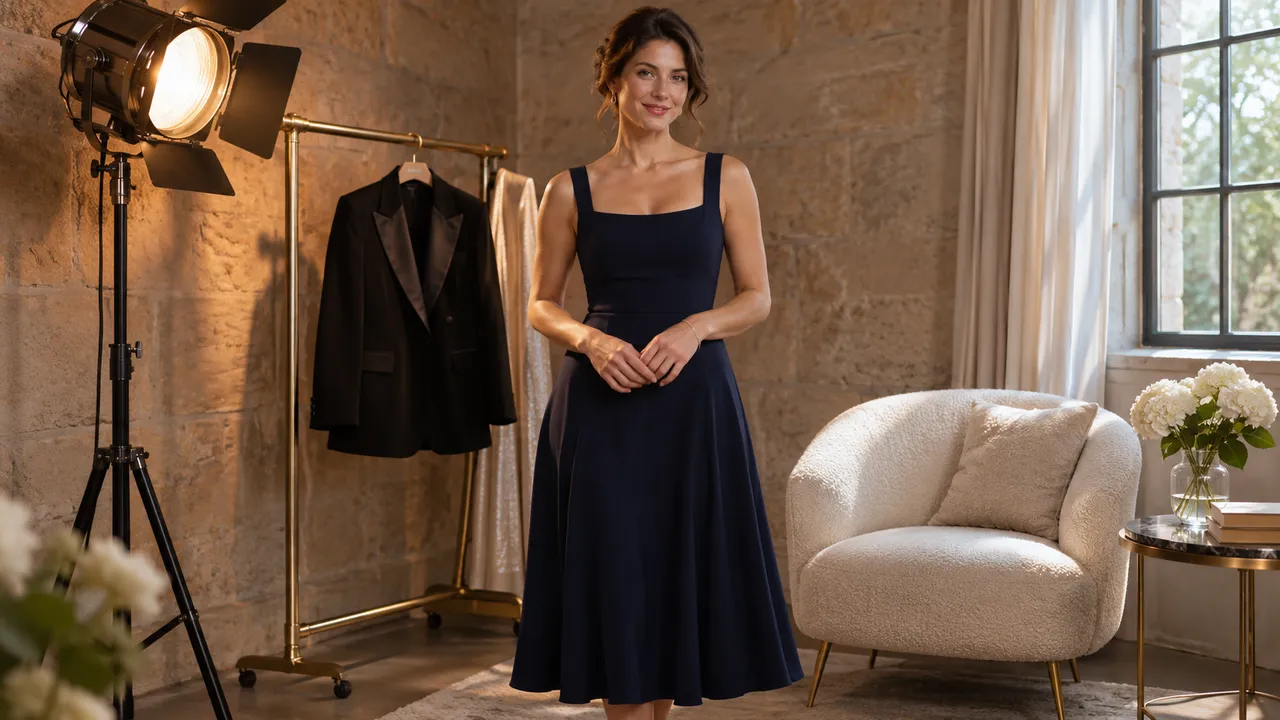
Start in Photoshoots, then review the person and shared outfit. Give each photo a pose and a scene that fit your purpose. A short set can still have useful variety:
| Photo | What it contributes |
|---|---|
| Seated, waist-up portrait | A clear look at the face and expression |
| Standing, three-quarter frame | The outfit and posture |
| Closer portrait with a small head turn | A different expression without a new concept |
| Wider seated frame | More of the room and the clothing silhouette |
This is a planning example, not a tested AIGirlShot result. Keep the person and outfit stable while you vary the frame. For a longer sequence, use the six-photo planning worksheet.
Review the quote and start the set
Studio shows the photoshoot price before generation. Check the number of photos and the selected settings, then use the generation action when you are ready. If you change the plan, review the updated quote rather than relying on an earlier price.
The series workflow uses the first generated photo as an internal consistency reference and continues the remaining shots automatically. You do not need to budget for a separate mandatory preview purchase. This reference can help guide the series, but it does not guarantee matching faces or outfits.
Leave room in your budget for a new take if a completed photo is unsuitable. A separately requested redo has its own quote; see budgeting for retakes.
Review before downloading everything
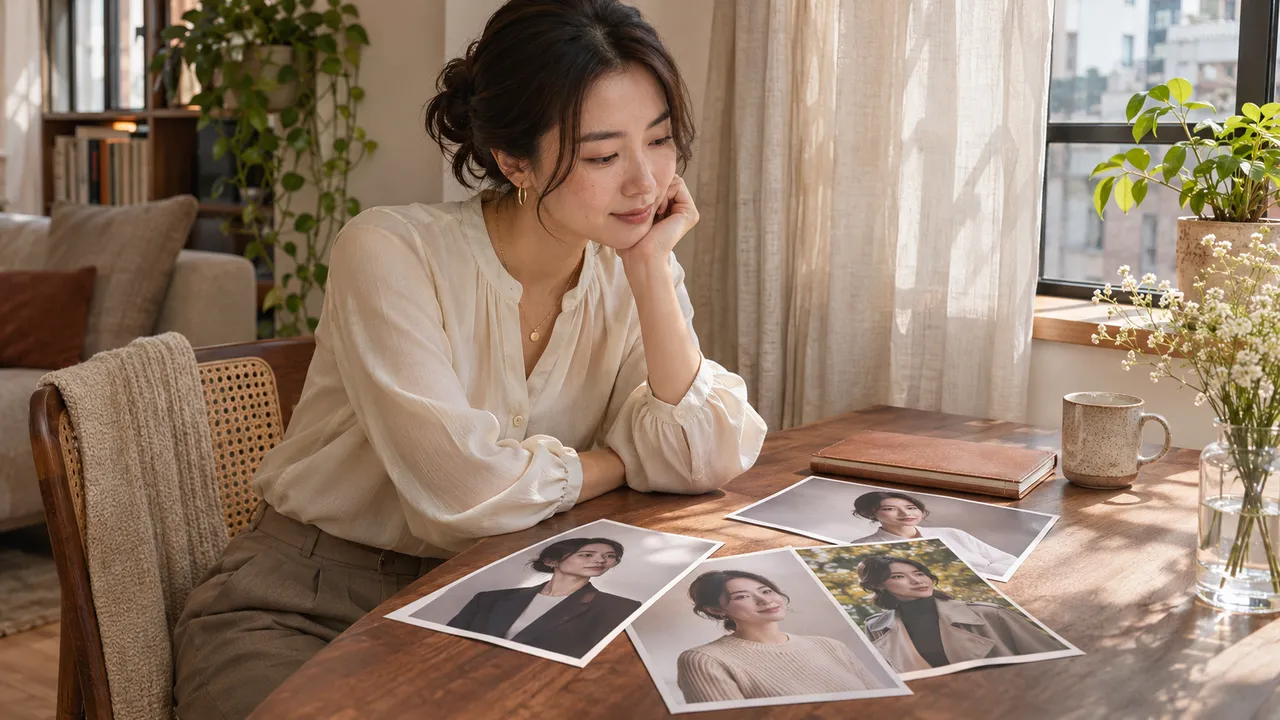
First check whether the person looks like you. Then inspect the outfit, hands, visible skin texture, and background details. A beautiful room does not make an unfamiliar face a successful portrait.
Compare the set at a similar viewing size. Keep photos that serve different purposes, and note a specific reason for each proposed redo. The selection checklist helps separate an unusable result from a picture that is simply less preferred.
Ready results can be downloaded individually or together as an album ZIP; ZIP download requires a verified email. A partially completed album can contain downloadable ready photos. Check the ready count so you know what you have saved.
Before closing the task, open your downloaded files and choose where to keep them. The next decision is how to store and share private portraits, especially if your device automatically copies photos to a cloud library.
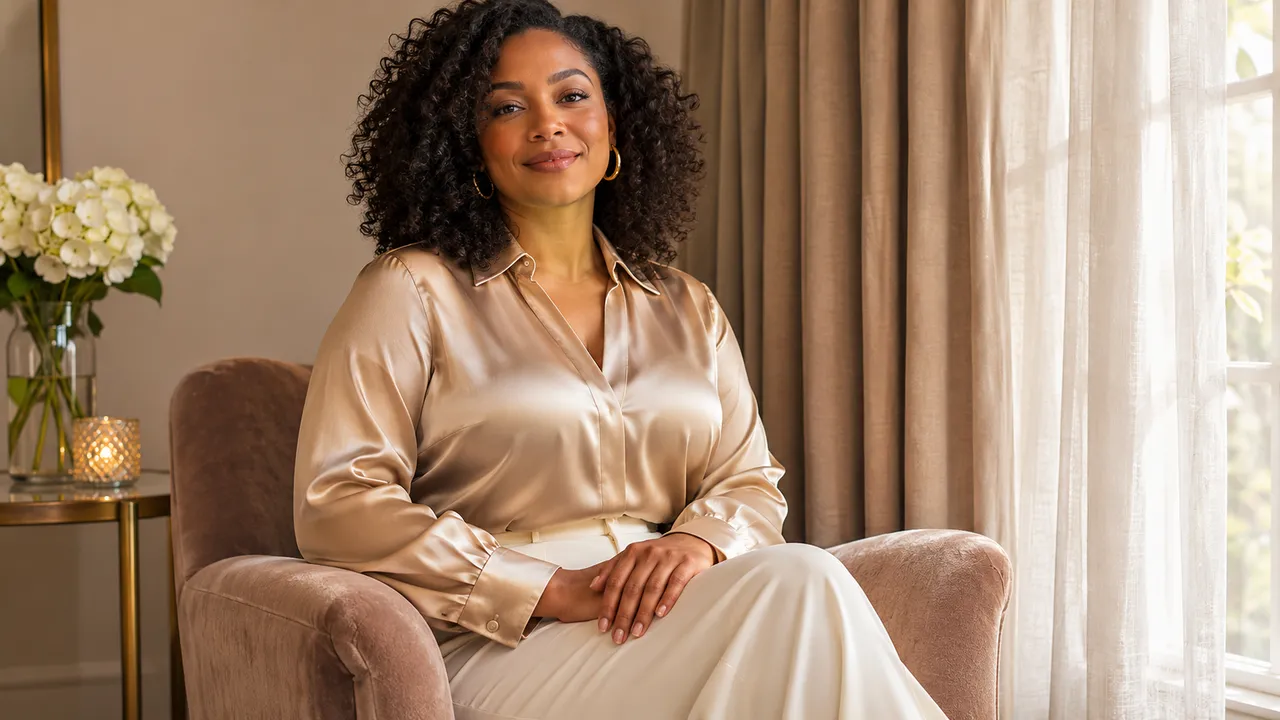
Cover: AI-generated editorial illustration, not an AIGirlShot result.
Written by
AIGirlShot Team
Portrait planning and practical guides from the AIGirlShot team.
Related posts