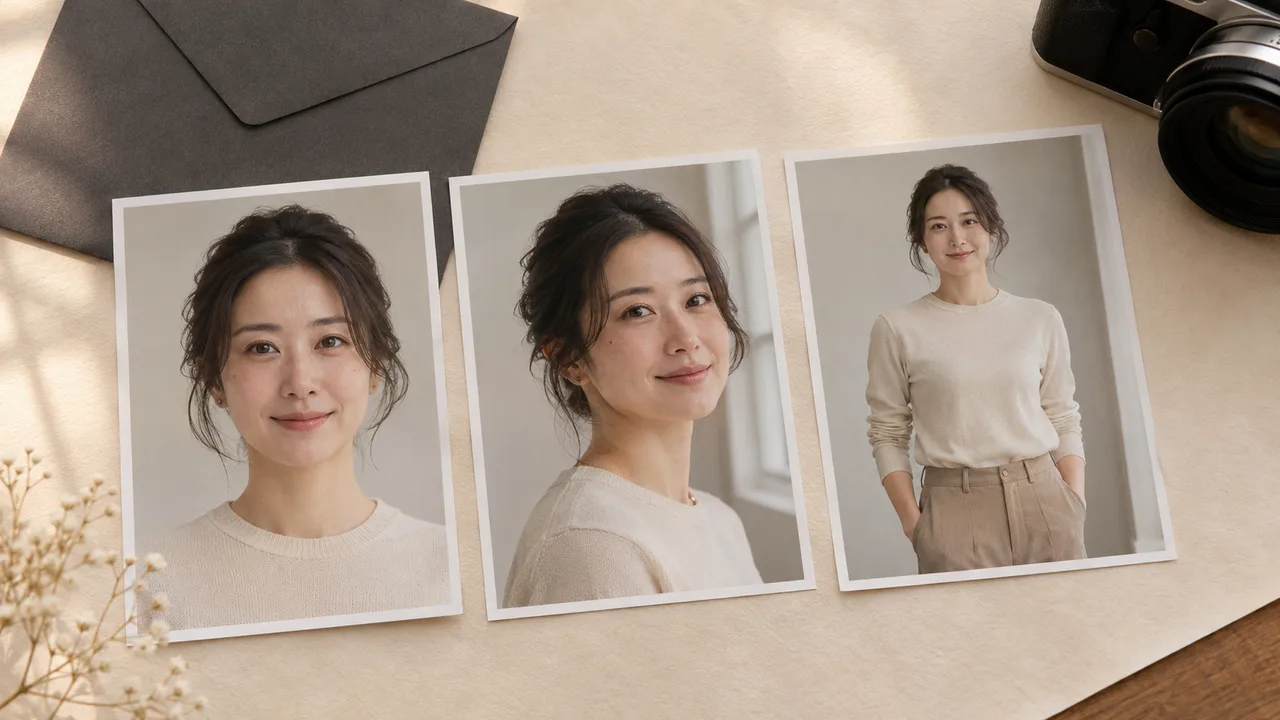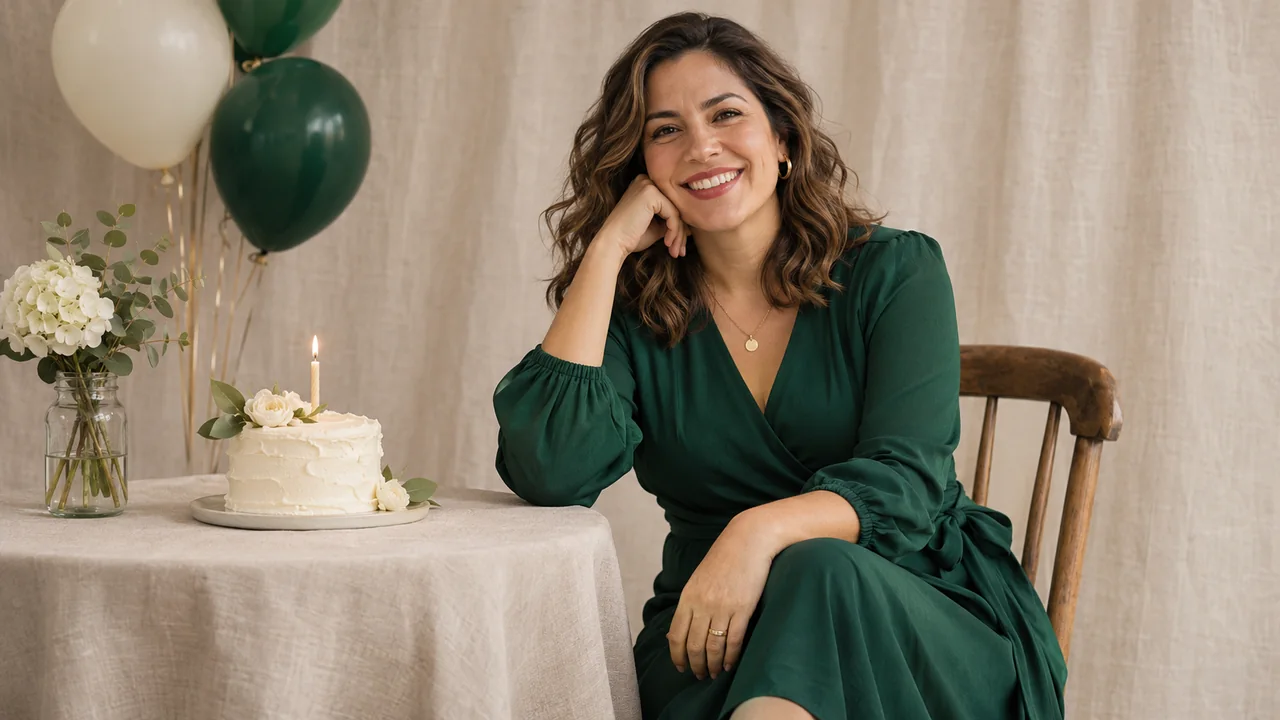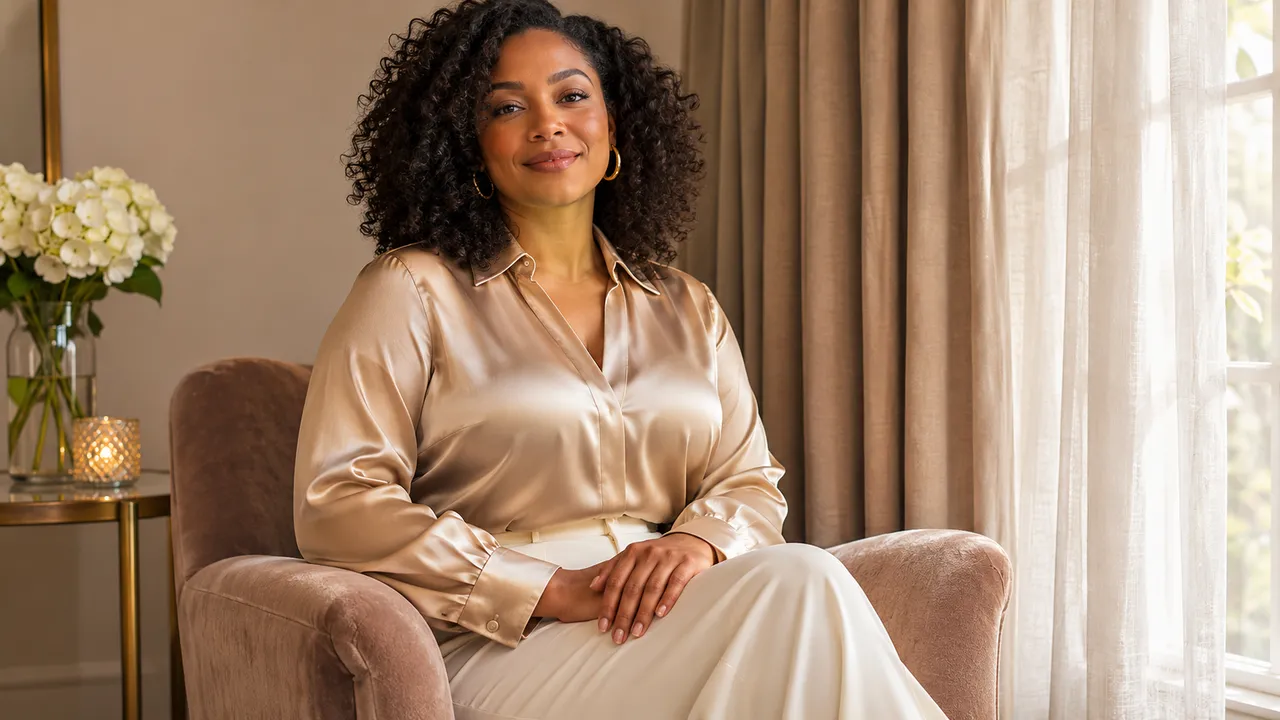
Your own photos or a virtual model? Choose how to start
Decide whether to explore a portrait concept with a virtual model or use personal reference photos when the finished set needs to look like you.
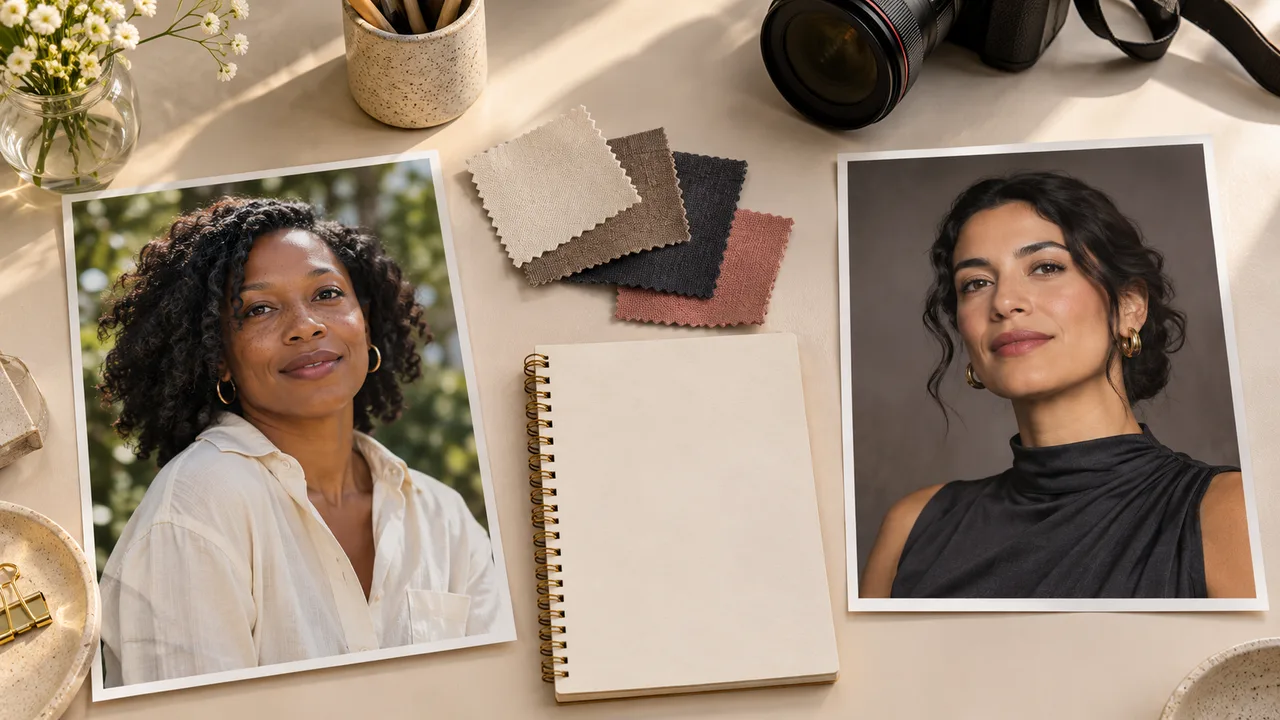
At a glance
- Use a public virtual model to explore a concept without supplying your own face.
- Use personal references when resemblance to a specific consenting adult matters.
- Check the selected person before generating because the choice applies to the set.
Choose personal references when the finished portraits need to look like you. Choose a public virtual model when you want to explore a look and the person's identity is not the point of the exercise.
Both choices can be part of planning, but they answer different questions. A virtual-model image can help you think about a dress, pose or room. It cannot show how faithfully a later image will resemble you.
In AIGirlShot, Models means public virtual people. It is separate from the image-generation technology described on AI models. Your personal reference collection belongs in the authenticated My Models area.
Match the starting point to the question
| What you want to decide | A useful starting point | What this does not establish |
|---|---|---|
| Whether you like a scene, pose or outfit combination | Browse the public catalog and compose with a virtual model. | How that combination will look with your own face and proportions. |
| Whether the portraits resemble you | Select a personal model made with your permitted reference photos. | That every generated shot will preserve likeness. |
| Whether you feel comfortable uploading personal photos | Read the privacy information before creating a personal model. | That an account being private settles provider retention questions. |
| How to continue an existing set | Open the saved project and inspect its selected person. | That changing the selection updates previously generated files. |
You can browse catalog examples before committing to generation. A new generated image is a separate action with its own displayed quote; selecting a public virtual person should not be treated as a promise of free generation.
When a virtual model is useful
Perhaps you know you want a quiet black-and-white portrait, but you are unsure about the setting. Start by comparing the scenes, outfits and available poses. A public virtual model gives the plan a person without requiring your own reference upload.
Write down the decision you are trying to make: "Does this simple room suit a seated portrait?" is a manageable question. "Will this produce my perfect final album?" asks much more than a concept can answer.
Catalog images are reference illustrations. A generated concept using a virtual person is also a result for that person and that request. Replacing the person later changes a substantial part of the request, even if you keep the same outfit and scene. Treat the concept as a planning aid rather than a prediction of your own results.
For intimate portrait ideas, you can work through clothing coverage, mood and composition at this stage. The boudoir concept guide gives complete, non-explicit combinations to consider. A concept description does not guarantee that every provider will accept or reproduce it.
When to use your own photos
If the set is a personal birthday portrait, a private keepsake or another image where recognition matters, select your own identity before generating the set you intend to keep.
AIGirlShot's personal-model form accepts one to three reference photographs in JPG, PNG or WebP format, up to the form's displayed 10 MB per-photo limit. Uploading requires a signed-in account with a verified email. You must confirm that you are an adult and that the images show you or an adult who has permitted their use.
The name "personal model" describes the saved reference identity in the app. It does not mean you are ordering a separately trained face model. Follow the reference-photo selection guide to choose clear images of a consistent appearance.
Read what to check before uploading private portraits if you need to understand who processes the files or how deletion works. Avoid uploading a sensitive image merely because a concept seems appealing before those questions are answered.
Check the scope when switching people
The person is a shared choice for a photoshoot. It is not a way to assign a different identity to each photo in the same set. If you want to make portraits of two different consenting adults, plan their sets separately.
When you return to a project, inspect its current person selection rather than relying on memory or the sample photos displayed around it. Confirm the outfit too, then review the individual poses and scenes. This is especially useful if you first explored the plan with a public model and are now preparing a personal shoot.
Changing the plan does not repaint existing downloaded or generated images. Review the current configuration and the new quote before starting another generation. Keep earlier results labeled clearly so you do not compare a virtual-model concept with a personal portrait as though they were the same request.
Make one decision before arranging the shots
Finish this sentence: "This set is for ___, so the person should be ___." If the purpose is exploring a style, a public virtual person may be enough. If it is a keepsake of you, use your own permitted references and make likeness part of the review.
Then arrange the photos with the six-photo planning guide. If you are starting the entire process for the first time, the walkthrough for making AI photos of yourself connects this choice to generating and selecting the finished set.
Cover: AI-generated editorial illustration, not an AIGirlShot result.
Written by
AIGirlShot Team
Portrait planning and practical guides from the AIGirlShot team.
Related posts