How to keep the same face across an AI photoshoot
When the first portrait looks right but later faces drift, check the shared identity, references and shot changes before deciding what to redo.
At a glance
- First establish that the reference and the first result show the identity you want.
- Compare stable facial features while allowing for expression, angle and light.
- Keep good photos and choose a specific reason for any separately priced retake.
If the first AI portrait looks like you but a later one looks like a different person, compare the set before changing everything. The problem may be confined to a single photo. Changing the entire plan can discard useful decisions without explaining the drift.
Start by separating two questions: does the first image resemble the intended person, and do the later images remain consistent with that identity? If the first image is already wrong, use the first-portrait likeness guide. This article focuses on a set that starts well and then becomes inconsistent.
Fix the identity choice for the set
AIGirlShot uses one selected person across a photoshoot. Confirm that the plan points to the intended personal model or public virtual model. If you changed that selection while planning, check the current value instead of assuming the thumbnails tell the whole story.
For a personal set, choose clear reference photos of a consistent appearance. References that show very different hairstyles, heavy filters or obscured features can make it harder for you to define what the set should preserve. Decide which appearance matters before you generate.
Avoid adding text that describes a different face. If you selected your own references, a direction asking for a different facial shape or apparent age works against the purpose of preserving your likeness. Keep creative direction focused on the intended photograph.
Understand what the first photo does
In the series workflow, AIGirlShot generates the first photo, stores it, and uses it as an internal reference while continuing the remaining photos. The request also uses identity references and the selected materials within the provider's reference limit.
This gives later photos information about the series. It does not guarantee an identical face in every result. The first photo is also not a required pause where you must approve a separate paid preview before the remaining photos start.
When you review the completed or available results, look at the original identity reference as well as photo one. If the first result has a subtle error, checking every later image only against that result can make the same error seem acceptable through repetition.
Compare stable features, not identical expressions
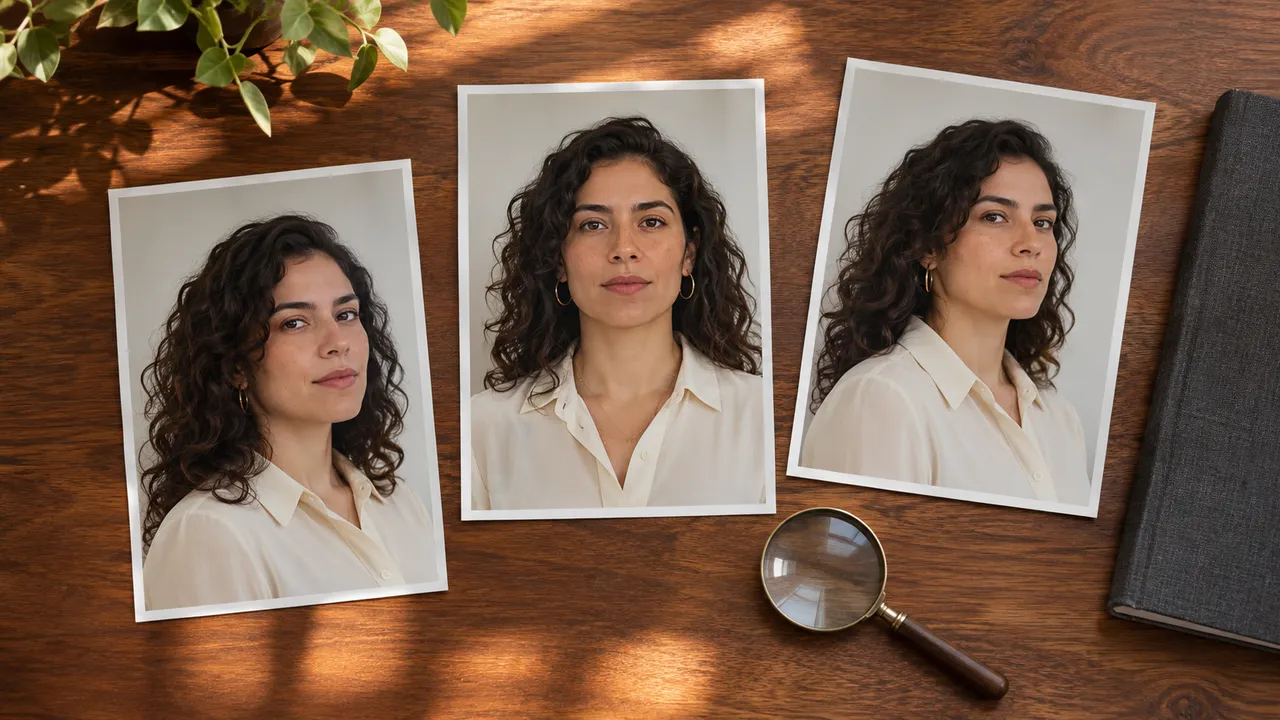
Open the reference and results at a comparable viewing size. Judge the face before the outfit or the attractiveness of the lighting. A polished image can still depict the wrong person.
Look for a plausible relationship between the eyes, nose, mouth and jaw. Compare the hairline and any visible distinguishing features that matter to your recognition of the person. Expect a smile, head turn and different illumination to change how those features look. The question is whether the difference is believable for the same person.
Use a simple review sheet. The entries below are an example of how to record observations, not results from a tested album.
| Photo | Observation to record | Decision to consider |
|---|---|---|
| First portrait | Recognizable against the original reference, or already different? | Keep it as a useful comparison only if it passes the likeness check. |
| Turned portrait | Features remain plausible, or the face seems replaced? | Compare with a suitable reference angle before deciding. |
| Shadowed portrait | Identity is uncertain because features are hard to see. | Ask for clearer face lighting if recognition is essential. |
| Wider portrait | Face is too small to judge comfortably in the intended use. | Consider whether a closer composition would better serve that use. |
| Any remaining photo | One specific feature differs in a way you cannot explain by the pose. | Mark it for closer review or a new take. |
You do not need to assign a scientific similarity score. Write enough to explain why you would keep or replace a photo.
Reduce unnecessary changes between photos
If every shot changes the setting, lighting, expression and angle, the results give you many differences to interpret at once. For a coherent personal set, change only what earns its place in the plan.
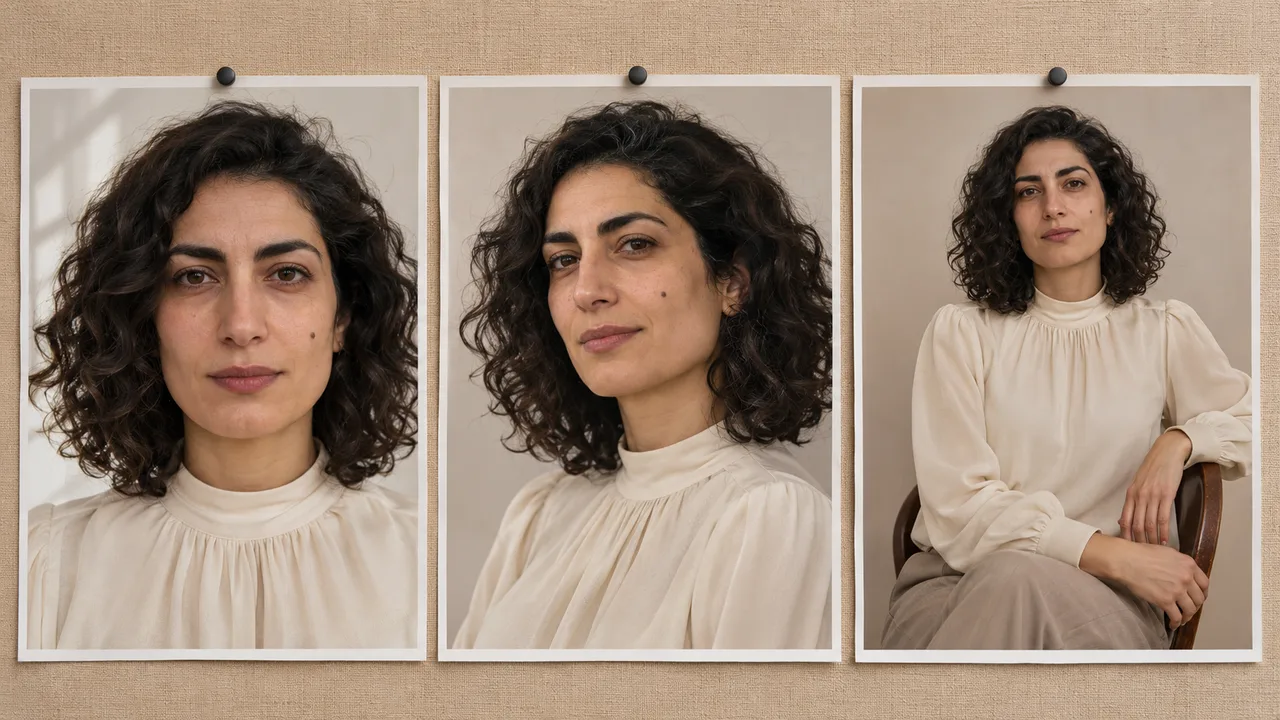
A useful progression might move from a forward-facing portrait to a slight turn and then to a wider seated view. That is a planning choice, not a measured recipe for higher success. Use the six-photo worksheet to state what each change adds.
If dramatic shadows are making the face difficult to recognize, consider a scene with more readable facial detail. If an extreme angle is the problem, choose a simpler compatible pose. Keep the same identity and outfit while making that one change so you can inspect the next result meaningfully.
Redo only what has a clear problem
Separate a face issue from a wardrobe issue. A neckline that changes belongs in the outfit-consistency review. A face that looks correct with a different expression may not need any change at all.
AIGirlShot supports a separately priced new take of an individual photo while retaining the other results. Review the current price and the selected photo's direction before starting. Regeneration is a new attempt, not a local face-repair brush, and it can change other details in that photo.
Use the photo-selection guide to finish with a smaller coherent set if that serves your purpose. If repeated attempts still replace the selected identity, stop repeating the same paid request and contact support with the project details and a short description of the issue.
Cover: AI-generated editorial illustration, not an AIGirlShot result.
Written by
AIGirlShot Team
Portrait planning and practical guides from the AIGirlShot team.
Related posts