Skip to contentPlan a photoshoot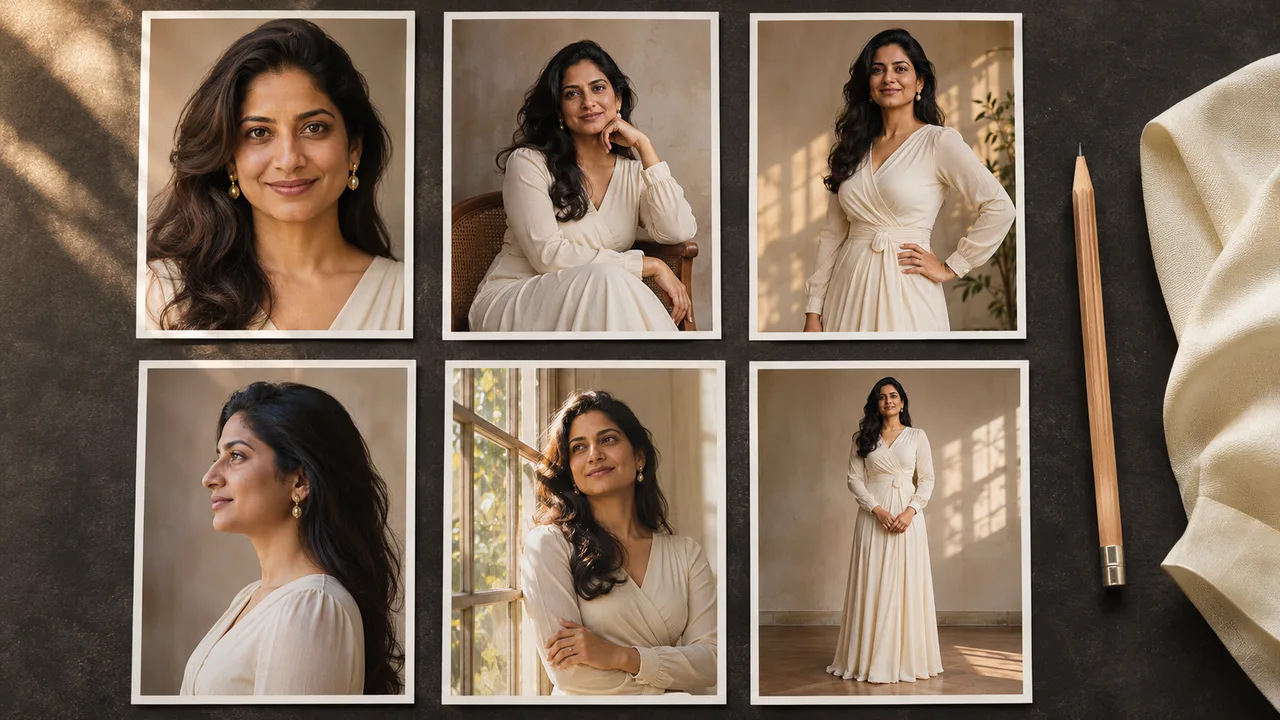



Back to blog
Generation guides
Write a clear shoot plan, diagnose unwanted results, and choose which images are worth keeping or regenerating.
- Give each photo a clear job in the set.
- Separate technical failures from creative retakes.
Plan first, then change one thing at a time
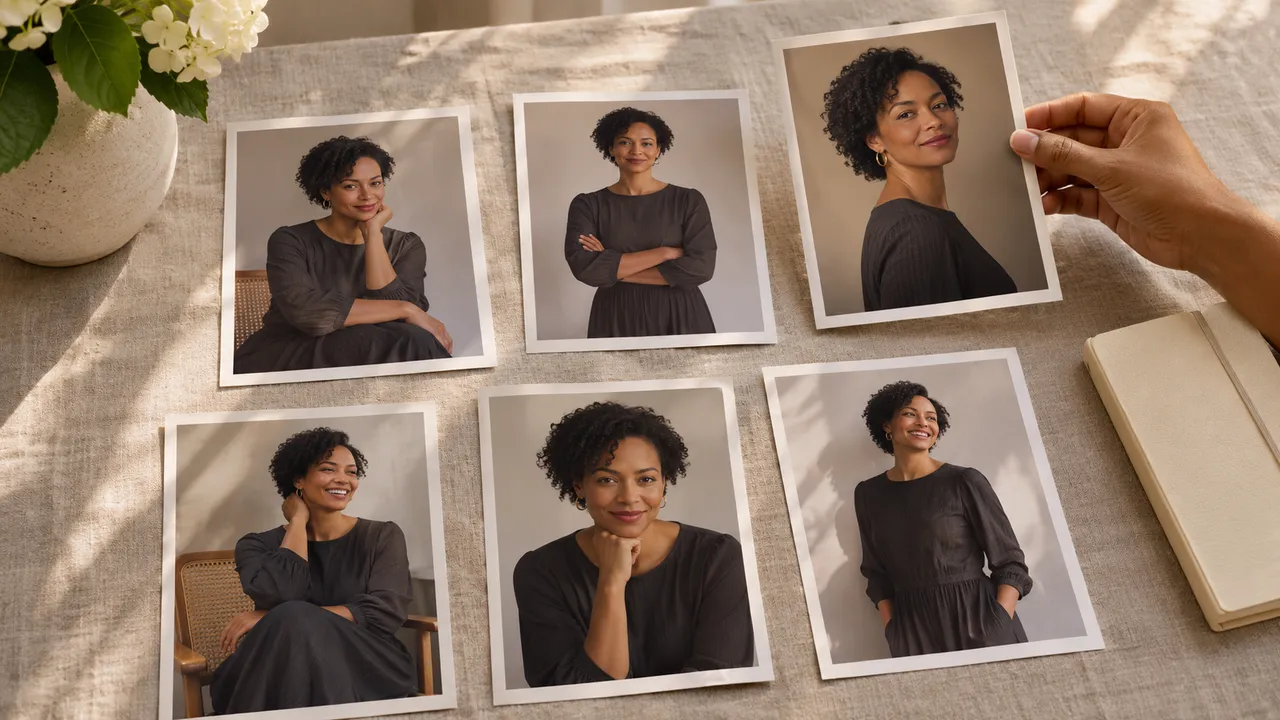
Start with a six-photo plan and plain-language prompt structure. Decide what stays the same and what changes from shot to shot.
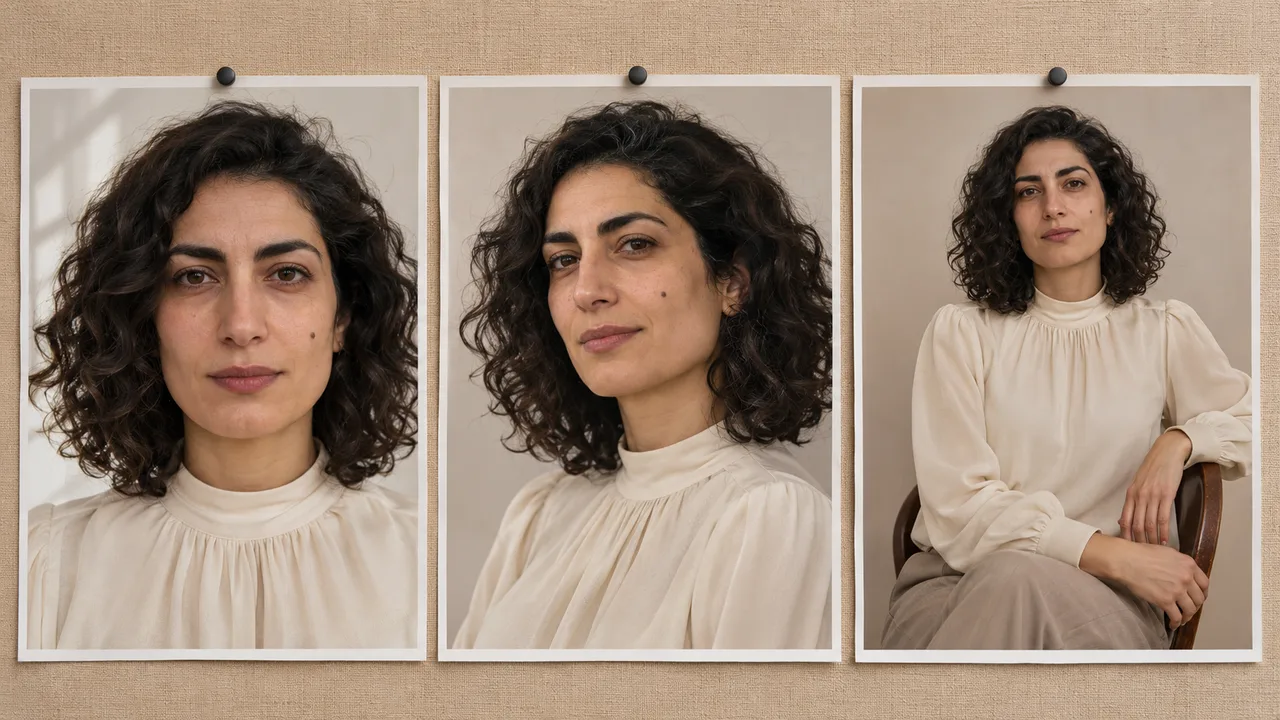
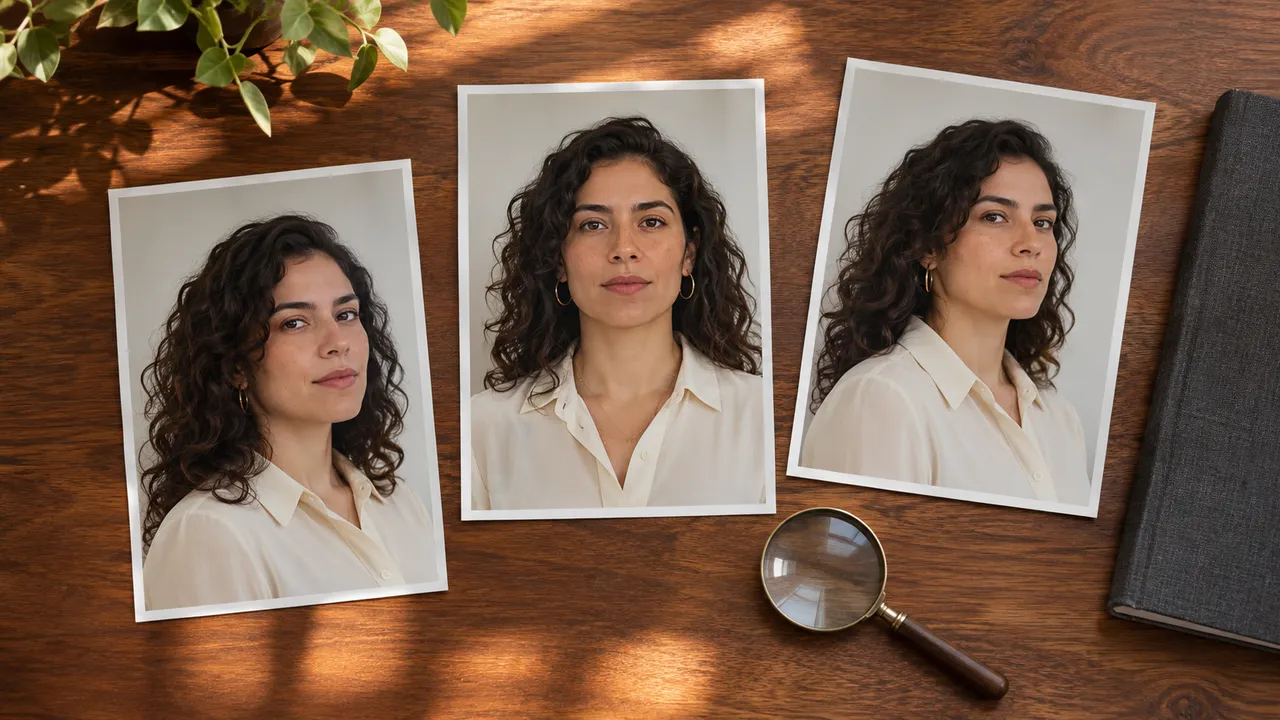
For a set that drifts, check face consistency and outfit consistency. If the first portrait already feels wrong, work through why it does not look like you before making more variations.
A failed generation needs a different response from a finished image you dislike. For a completed photo, read the guides to regenerating awkward hands and natural-looking skin texture.
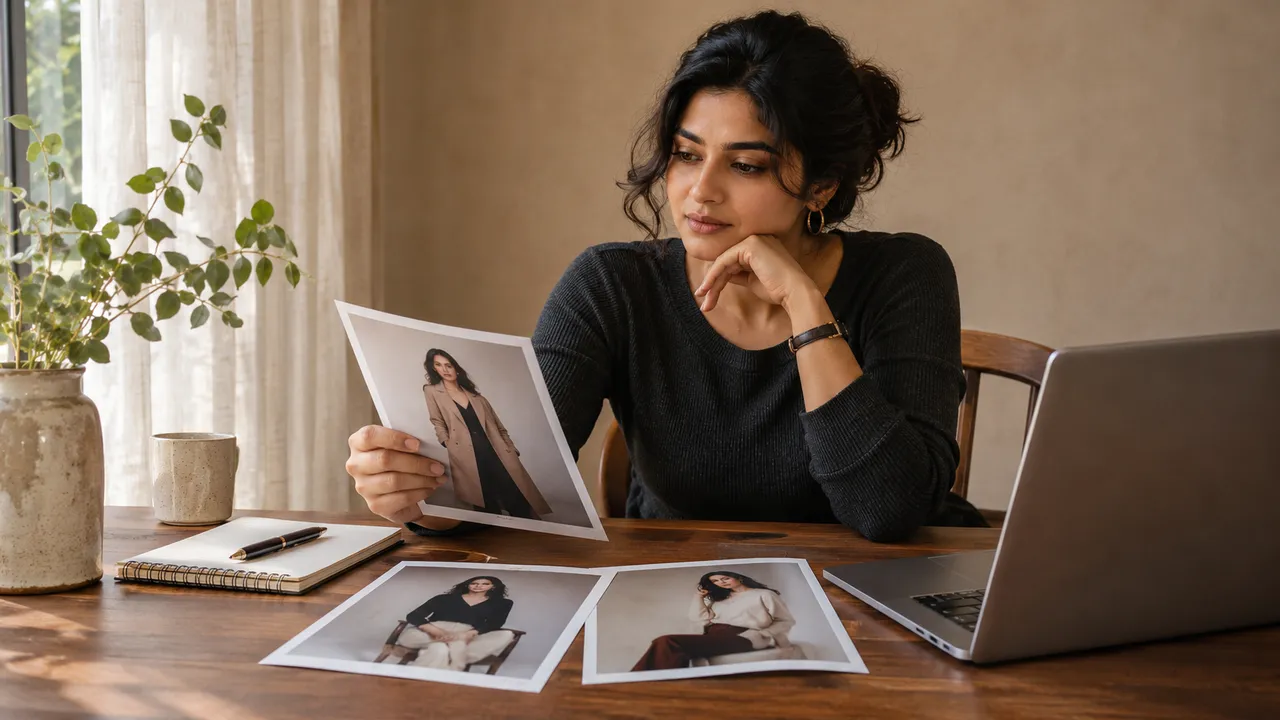
Finish with choosing the best photos, then check printing, storage and sharing.
All categoriesGetting started4Boudoir ideas6Posing and styling6Reference photos2Generation guides9Privacy and delivery3
Guides on this topic
9 guides
Generation guides2026/11/07
How to keep the same face across an AI photoshoot
When the first portrait looks right but later faces drift, check the shared identity, references and shot changes before deciding what to redo.
Generation guides2026/11/07
Why your first AI portrait does not look like you
Check the selected person, reference photos and style instructions when your first AI portrait feels unfamiliar. Make one useful change before retrying.
Generation guides2026/11/07
Why an AI photoshoot fails: check the request, credits and job status
Find the next step when an AI photoshoot has no result, a failed shot or a download problem. Separate technical failures from a paid creative redo.
Generation guides2026/11/07
AI photoshoot prompts: describe the person, outfit, scene and shot
Write a clear AI photoshoot brief using the controls for person, outfit, scene, pose and framing, with three non-explicit concept examples.
Generation guides2026/11/07
AI skin texture: reduce the plastic look in portraits
Plan a more natural-looking AI portrait by checking references, lighting and prompt language. Learn what to change before another generation.
Generation guides2026/11/07
How to choose the best photos from an AI-generated set
Review face, hands, clothing and composition before keeping an AI portrait. Choose a coherent set and decide which shots deserve a paid redo.
Generation guides2026/11/07
How to fix AI hands when you can regenerate a photo
Check AI hand errors, simplify the pose and decide whether to regenerate one portrait. A practical workflow without a brush or local repair tool.
Generation guides2026/11/07
How to plan a six-photo AI shoot before you spend credits
Use a six-shot worksheet to fix the person and outfit, vary poses and framing, and check the complete photoshoot before accepting its quote.
Generation guides2026/11/07
How to keep one outfit consistent across AI photos
Create a simple wardrobe description, check garment details across your portrait set, and decide which photo needs a new take when clothing changes.