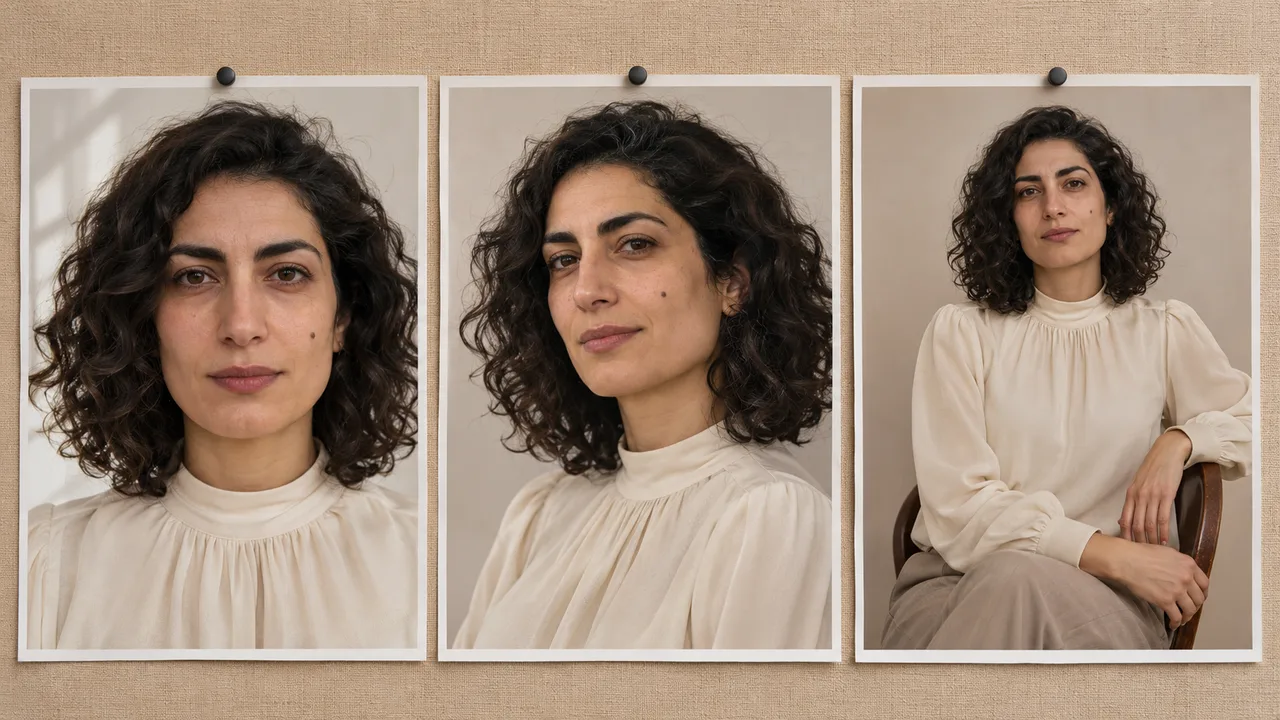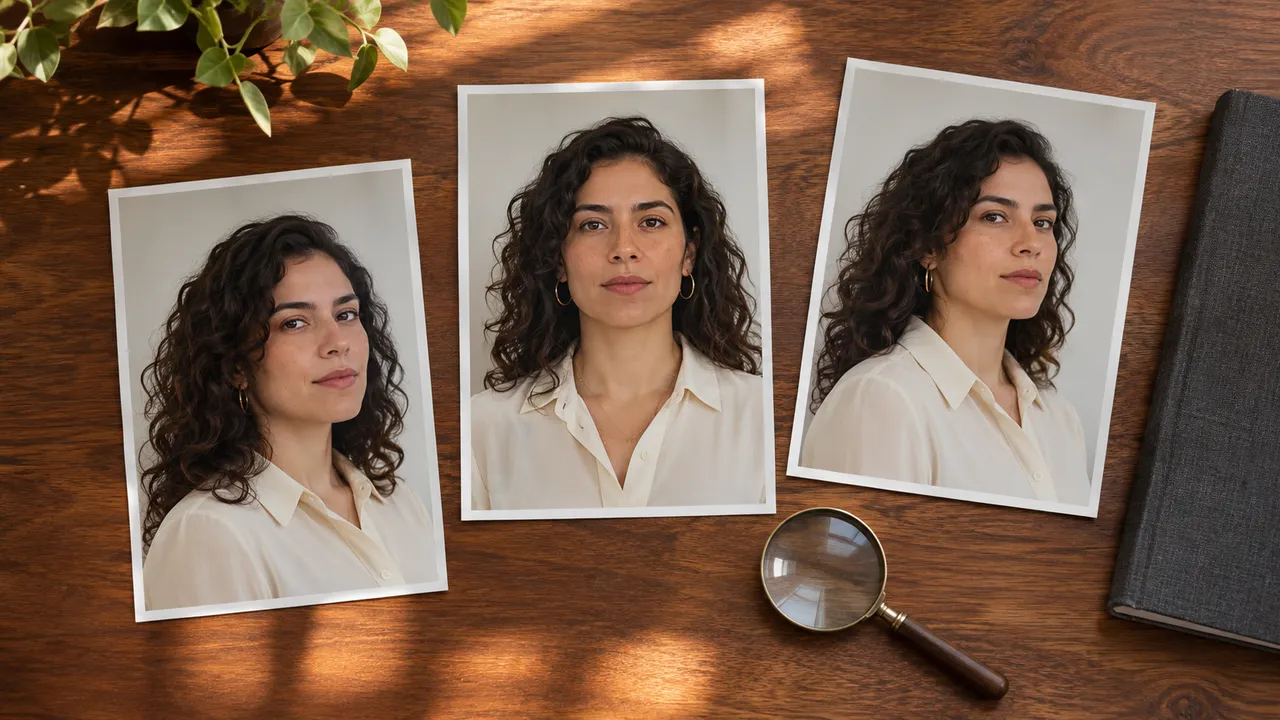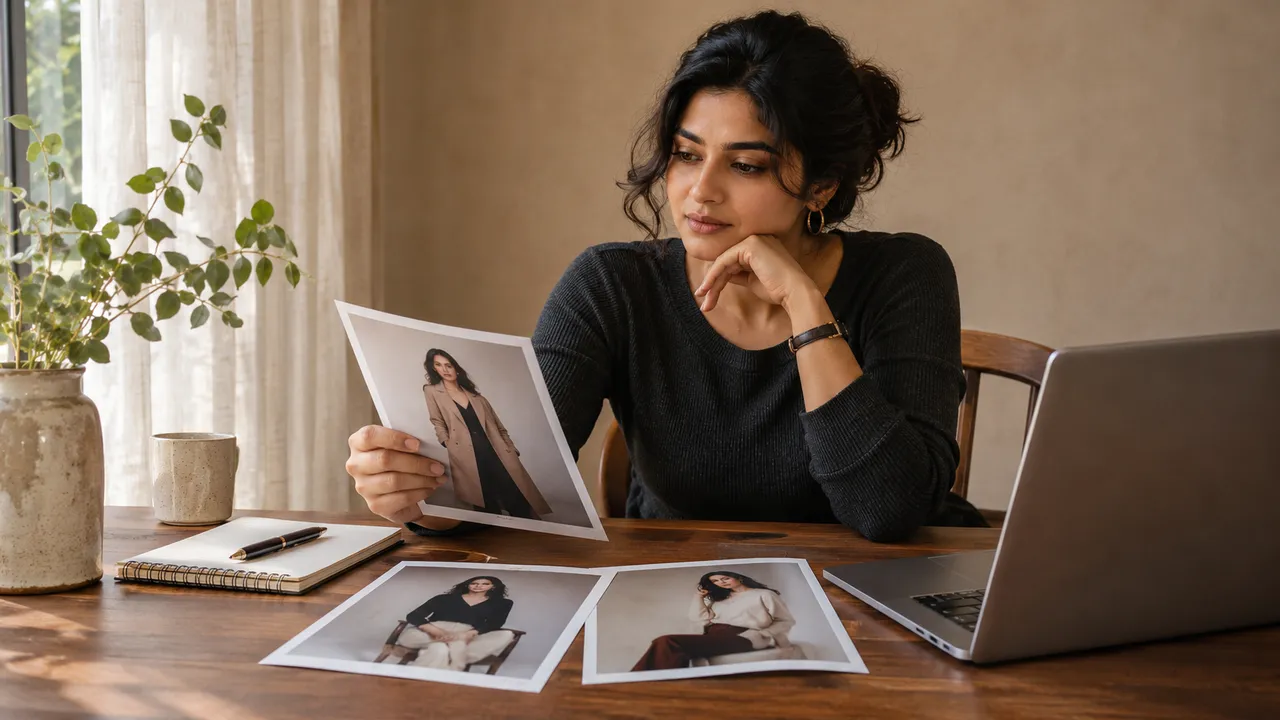
AI photoshoot prompts: describe the person, outfit, scene and shot
Write a clear AI photoshoot brief using the controls for person, outfit, scene, pose and framing, with three non-explicit concept examples.
At a glance
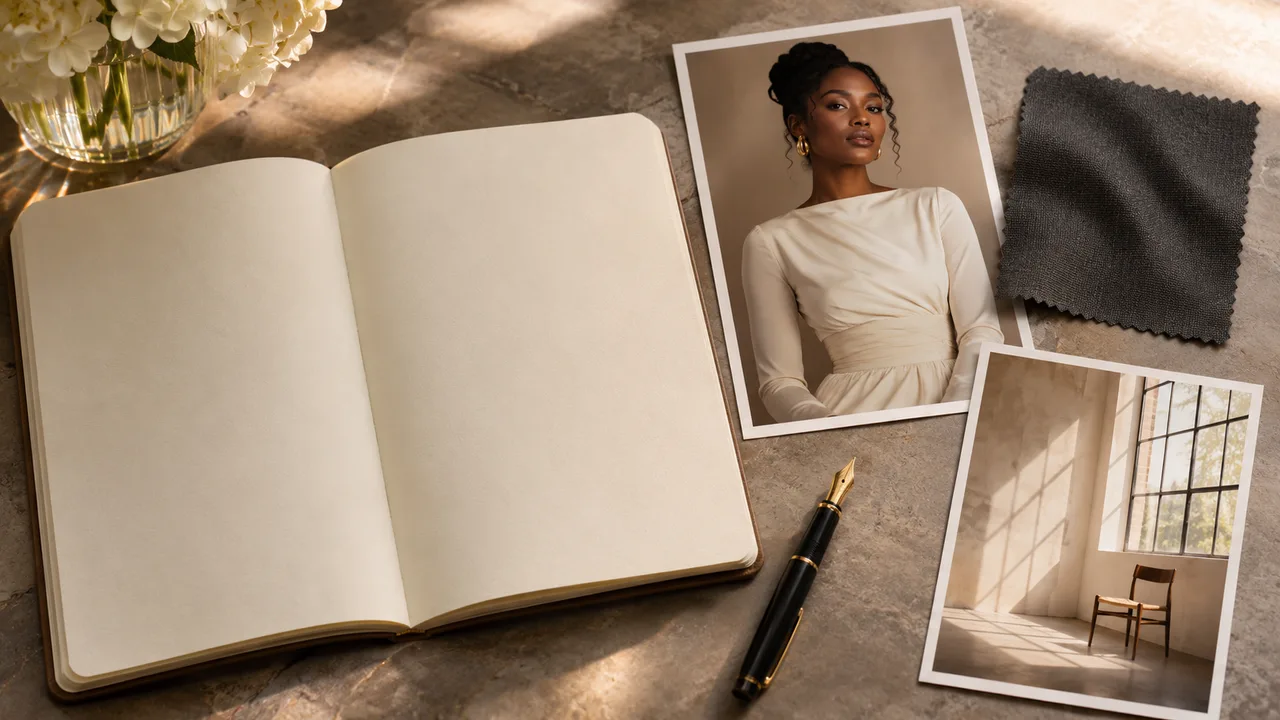
- Use the visual selections to establish the person, outfit, scene and pose.
- Keep shared preferences in the overall direction and individual details in shot direction.
- Change one unclear instruction at a time when reviewing an unsatisfactory result.
A useful AI photoshoot prompt says what the image should contain and what you will check when it arrives. "Beautiful, perfect, ultra-realistic" gives you little to review. "The selected adult in the same dark dress, seated upright by a softly lit window, both hands resting separately on the lap" describes a photo.
In AIGirlShot, much of that brief comes from visual choices. The selected person, outfit, scene and pose already contribute instructions. Use the text fields to clarify those choices rather than writing a second, contradictory plan.
If the sequence of photos is still undecided, complete the six-photo worksheet first. A stronger sentence will not resolve a set that asks for unrelated people, wardrobes and moods in every row.
Put each instruction in the right place
The shared Your direction field in Studio applies to the photoshoot. A selected photo's Shot direction field applies to that photo. Framing and camera-angle options give you further composition controls; an angle can be tied to the selected pose reference.
| Part of the brief | Where to make the choice | What useful detail sounds like |
|---|---|---|
| Person | Public virtual model or saved personal model | Select the intended identity instead of describing a different face in text. |
| Outfit | Shared outfit selection | Choose the garment first, then clarify an important detail if needed. |
| Scene and light | Scene selection for the plan or a particular photo | Keep the text compatible with the selected setting and lighting. |
| Pose | The photo's pose selection | Choose the basic body position before adding expression details. |
| Framing | The photo's framing options | "Waist-up, with both hands fully inside the frame." |
| Shared preference | Your direction | "Keep the same hairstyle and a calm, natural expression throughout." |
| Individual preference | Shot direction | "Look toward the window with shoulders relaxed." |
The catalog prompt ideas can help describe a style. They are part of the creative brief, not access to hidden provider settings. Typing a request for a different model or a higher resolution does not establish that the product will use it.
Use a short planning template
Before filling the interface, write down the following in your own words:
Person: the adult identity I have selected
Outfit: the shared outfit and the details that must remain consistent
Scene and light: the selected setting and intended lighting mood
Pose: the selected body position
Framing: how much of the person should be visible
Expression: the expression or gaze for this photo
Coverage: clothing coverage that matches my selected outfit
Review: the one or two details I need to check carefully
This is a planning template, not a special command syntax. Apply it through the available choices and direction fields. Do not paste a list of incompatible alternatives into one request and expect the system to decide which you meant.
Three concept briefs you can adapt
The examples below are writing examples for adult, non-explicit portraits. They are not tested prompts, product-generated samples or a guarantee that a provider will reproduce every detail. Choose available references that fit the description before using the text.
A quiet window portrait
Choose a simple indoor scene, soft window lighting and a fully covered outfit. For the shared direction, try:
Keep the selected adult's appearance and the chosen outfit consistent. Use a calm indoor mood with natural-looking skin texture. Keep the clothing coverage shown in the outfit reference.
For one photo's direction:
Seated upright with relaxed shoulders, looking toward the light. Both hands rest separately on the lap. Show the upper body and the hands clearly.
This separates the set's shared appearance from one seated composition. If the pose reference uses a different hand arrangement, select a more compatible pose or revise the sentence.
A monochrome evening portrait
Choose a dark evening outfit and a scene that leaves the face readable. Shared direction:
Black-and-white portrait treatment with visible detail in the face and dark fabric. Keep the selected person's facial proportions and the same outfit throughout the set.
For a standing photo:
A comfortable standing posture with the shoulders turned slightly. Show the complete outfit and both feet, with space around the figure. Keep the expression relaxed.
Black and white describes a visual treatment. It does not remove the need to inspect the eyes, fabric edges and hands. The black-and-white planning guide explains how to think about tonal separation before generating.
A warm, minimal birthday portrait
Choose an appropriate published outfit, pose and scene rather than assuming that a named birthday concept is available as a preset. Shared direction:
A personal birthday portrait with a warm, understated mood. Keep the selected outfit, hairstyle and identity consistent. Keep the background simple and free of lettering.
For a closer photo:
Waist-up composition, facing the camera with a small natural smile. Keep shoulders relaxed and leave comfortable space above the head.
This gives the occasion a mood without depending on complex decorations or accurate generated lettering. Add a prop only if it matters to your intended image and the chosen pose can accommodate it.
Resolve contradictions before adding more words
Read the visual selections and the text as one request. A bright daylight scene conflicts with "deep nighttime shadows." A full-length outfit view conflicts with "tight face close-up." A direction to change clothing conflicts with a set meant to preserve one shared outfit.
Remove the conflict at its source. Do not stack more adjectives or repeated commands on top. If the face is drifting, inspect the selected identity and the face-consistency checks. If garment details keep changing, use the outfit-consistency guide.
Review one problem at a time
Keep a copy of the brief you used and name the specific issue in the result: "the hands overlap," "the frame cuts off the shoes" or "the face differs from the reference." Choose one relevant change for the next request. Changing the outfit, scene and identity together makes it difficult to understand what helped.
A new take is another generation, so inspect its displayed price before proceeding. If the first portrait does not resemble the intended person, follow the first-image likeness guide rather than repeatedly expanding the prompt with stronger promises of realism.
Cover: AI-generated editorial illustration, not an AIGirlShot result.
Written by
AIGirlShot Team
Portrait planning and practical guides from the AIGirlShot team.
Related posts