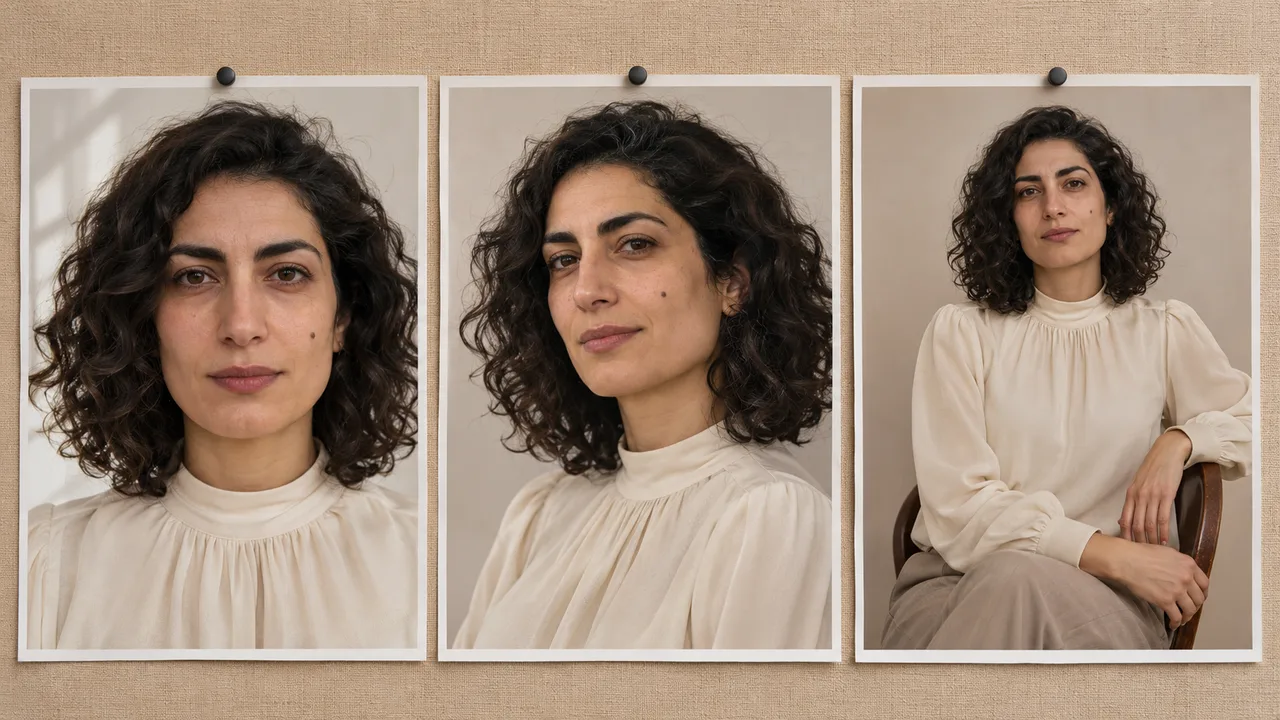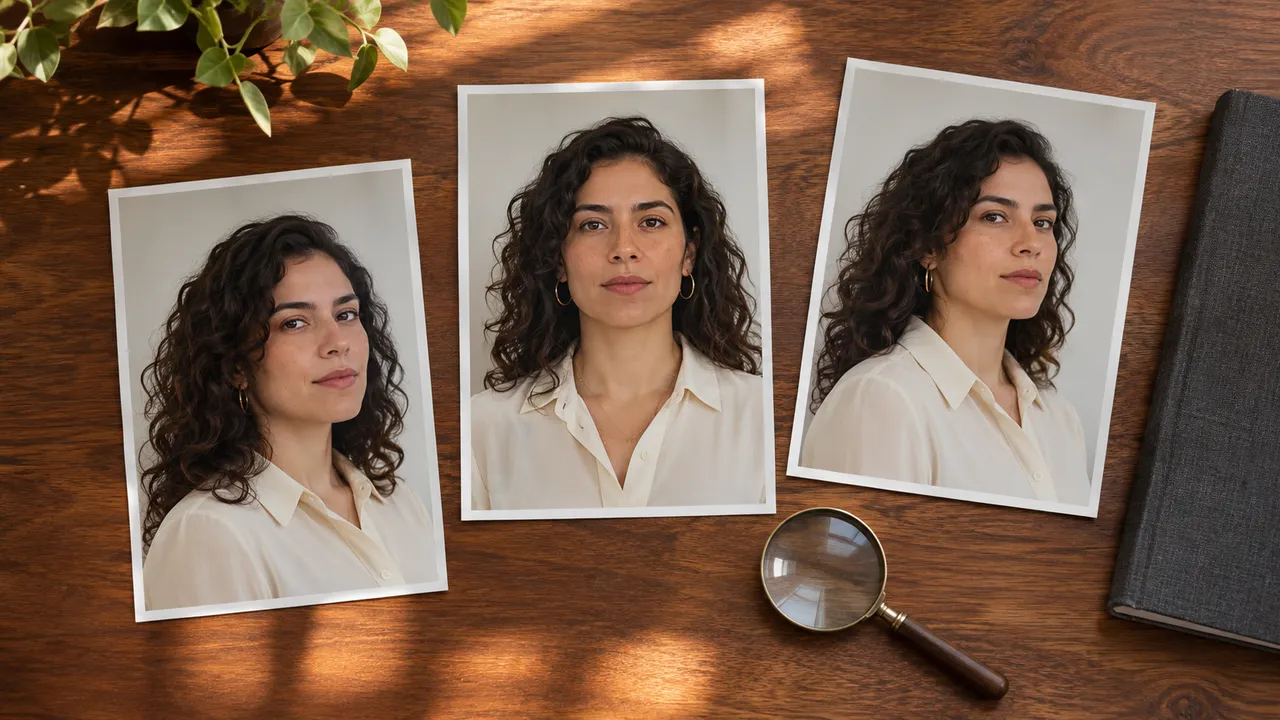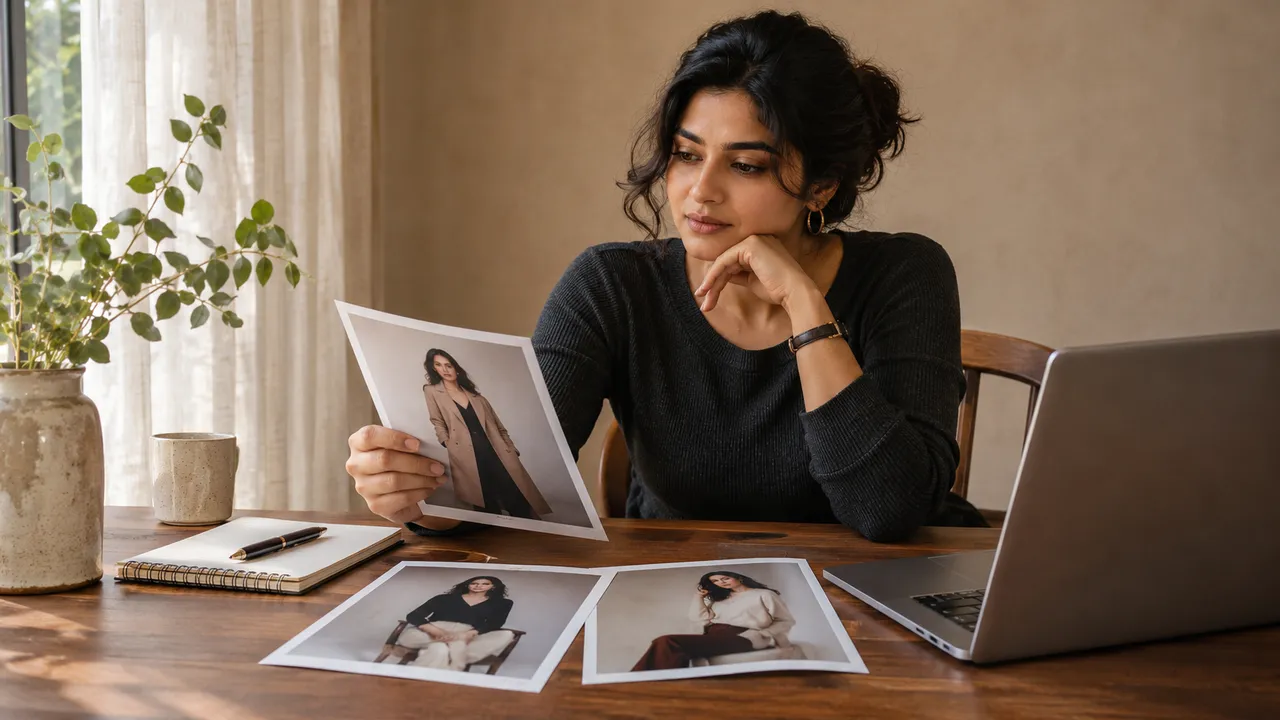
How to keep one outfit consistent across AI photos
Create a simple wardrobe description, check garment details across your portrait set, and decide which photo needs a new take when clothing changes.
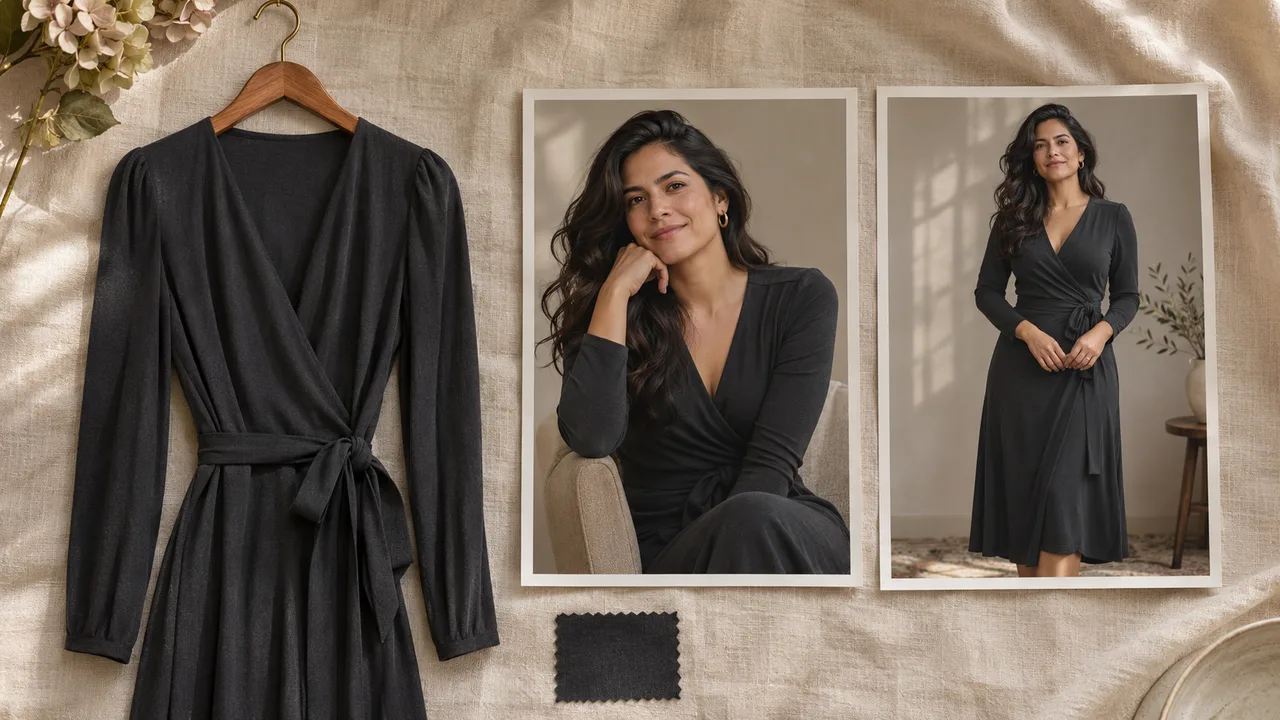
At a glance
- Select one shared outfit and identify the garment details that matter to the set.
- Allow for normal folds and lighting while checking cut, coverage and accessories.
- Changing the plan does not alter existing generated photos.
An AI portrait set can show the same person while quietly changing the clothes: a wide strap narrows, an earring appears, or a dress acquires a different neckline. Check those details separately from facial likeness.
Start with one shared outfit and a short description of what must stay consistent. That gives you a clear request and a way to decide whether a difference matters. It does not guarantee an exact reproduction of every seam or fabric pattern.
If you are still deciding what to wear, begin with boudoir outfit ideas for a complete set. This guide is for the next step: keeping the chosen look recognizable across different photos.
Make a wardrobe description card
Choose the outfit in the public outfit catalog, then identify its important visible features. Keep the description consistent with the reference you selected. Calling a fully covered evening dress lingerie in the text creates a different request rather than a more accurate one.
For example, a concept wardrobe card might look like this:
| Detail | What to preserve in this example |
|---|---|
| Main garment | One black evening dress. |
| Cut | Wide straps, a modest neckline and a midi-length skirt. |
| Material appearance | A smooth fabric with soft highlights rather than a glittering surface. |
| Coverage | The coverage shown in the selected outfit reference. |
| Accessories | Small earrings only; no added necklace or belt. |
| Hair | The same hairstyle throughout the set. |
The example is a planning aid, not a tested generation or an additional catalog preset. For your own card, use details that the actual reference shows clearly. If a seam or fastening is invisible in the reference, avoid treating its exact reconstruction as something the image has established.
Choose which details are essential. If the photo is a close portrait, shoe design may not matter. If the purpose is a complete outfit image, the hemline and footwear become part of the acceptance check.
Keep shared and individual directions compatible
AIGirlShot's outfit selection applies to the photoshoot. Individual photos can change their pose, framing and scene. Use the overall direction for a shared clothing preference and the selected photo's direction for its expression or composition.
A concise shared instruction might be: "Keep the selected dress, its neckline and coverage consistent throughout the set. Do not add jewelry beyond the selected outfit." Keep this aligned with the visual selection; text is not a substitute for choosing the intended garment.
Review per-photo instructions for accidental outfit changes. "Casual sweater portrait" in one row contradicts a shared evening dress. A copied prompt can also carry an old accessory or color that no longer belongs in the plan. The photoshoot prompt guide shows how to split these instructions by scope.
Allow for folds, light and viewpoint
The same garment should not look frozen in every pose. Sitting changes folds. A turn hides one side. Different lighting changes highlights and can alter the apparent brightness of a color.
Compare the underlying garment before calling every difference an error. Does the neckline still have the same shape? Are the straps still the same kind? Is the fabric behaving plausibly with the pose, or has the outfit become a different garment?
Small prints, lace patterns, repeated buttons and overlapping accessories give you more detail to inspect. If exact textile reproduction is essential, examine it closely and do not assume that an attractive overall impression means the detail is accurate. A simpler outfit is a practical choice when those details are not part of your goal.
For a personal portrait, also check whether a clothing change has altered the intended coverage. Treat your chosen coverage as a concrete requirement during review, not merely a mood word in the brief.
Inspect the set in two passes
First compare the photos at a size that lets you see the whole outfit. Look for changes in silhouette, color, garment length and accessories. Then inspect the original files more closely where fabric meets skin, hands cross the garment or straps pass behind hair.
Record the problem precisely. "Photo four adds a belt" gives you a clearer next step than "the outfit feels inconsistent." If the garment looks stable but the person changes, use the face-consistency checklist instead.
Keep your shot plan beside the results. A close crop may simply omit the detail you are trying to compare. That image can still be useful if it fulfills its intended purpose.
Choose the smallest useful correction
If one photo changes the neckline, check that photo's selected references and text. Remove any conflicting instruction, simplify an obstructing pose if appropriate, and review the price for a new take. AIGirlShot can generate another take of one photo while retaining the other results.
Changing the shared outfit or its direction affects the plan for future requests. It does not change the pixels in existing generated photos. Likewise, a new take is a fresh image attempt; it is not a tool for replacing only a button, strap or earring.
If the difference is minor and irrelevant to the photo's purpose, you may decide to keep it. If it breaks the intended coverage or makes the set visibly inconsistent, leave it out or request a new take. Use the final photo-selection guide to make that decision before downloading the set you intend to use.
Cover: AI-generated editorial illustration, not an AIGirlShot result.
Written by
AIGirlShot Team
Portrait planning and practical guides from the AIGirlShot team.
Related posts