Boudoir outfit ideas for a consistent AI photo set
Choose coverage, silhouette, fabric and color for non-explicit AI portraits. Build an outfit description and check the details across your finished set.
At a glance
- Set your preferred neckline, sleeve length and hem before choosing a mood.
- Describe the garment by visible features rather than broad style words.
- Check fabric, fastenings and coverage in each result.
Start with what you want to wear in the picture, including how much coverage you want. A private portrait can feel intimate in a long-sleeve dress, a tailored suit or soft knitwear. You do not need a more revealing outfit to make the photograph feel personal.
For an AI set, the practical question is also whether you can describe the outfit clearly enough to recognize it in every frame. Choose a small number of visible features, then check those features in the results. Generation is an interpretation, not proof that a real garment will fit or look exactly that way.
Make the coverage decision first
Before selecting material or color, decide the neckline, sleeves, hem or trouser length, and whether every fabric should be opaque. These choices are more precise than “classy” or “tasteful,” which different people interpret differently.
If you want a covered look, say what that means: a straight neckline, wide straps, a midi hem and opaque fabric, for example. If a generated frame changes that coverage, treat it as a result to reject or redo. A flattering expression is not a reason to overlook a boundary you set.
The classy boudoir guide goes deeper into choosing a restrained overall scene. This article focuses on keeping the clothing decision clear.
Four outfit directions to consider
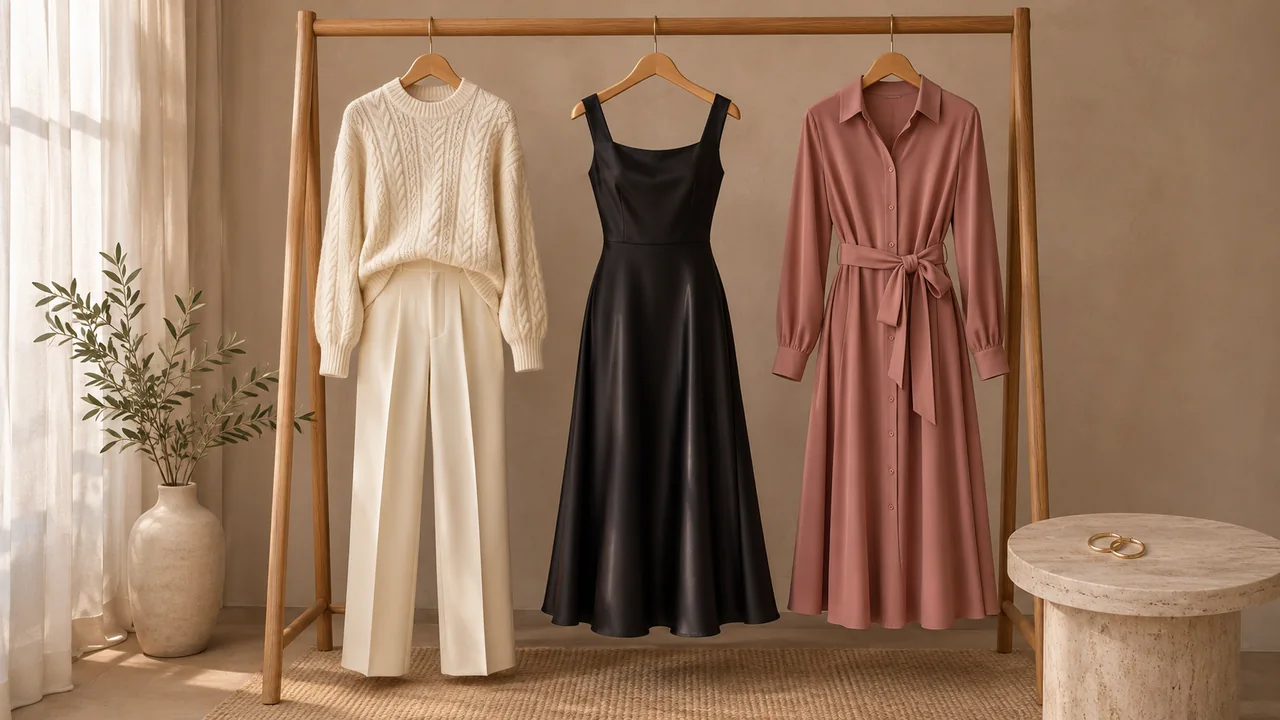
| Direction | What to specify | What to inspect |
|---|---|---|
| Covered satin evening dress | Neckline, strap width, hem length and opacity | Changed straps, excessive shine or translucent fabric |
| Long-sleeve wrap dress | Wrap direction, waist tie and sleeve length | Ties that move, an opening that changes between frames |
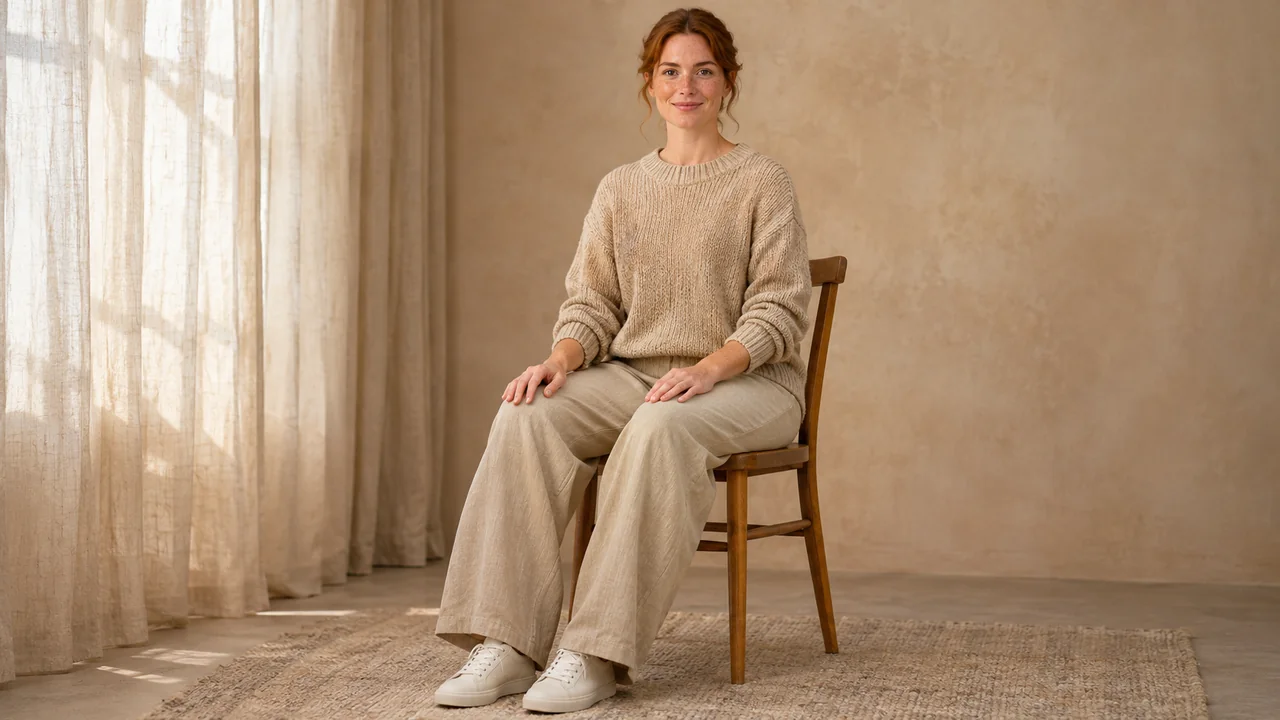
| Soft knitwear and trousers | Knit weight, collar and trouser shape | Different collars, invented pockets or fused cuffs |
| Tailored evening set | Jacket, opaque inner layer and matching trousers | Lapel shape, buttons and inconsistent fabric color |
These are styling directions for adult, non-explicit portraits. Check the actual outfit library for available choices. AIGirlShot's catalog includes a Black Satin Evening Dress described as a modest midi dress with wide straps; the name does not refer to a lingerie preset.
Pick one direction that suits the concept. If you are still choosing between a bedroom-inspired mood, a studio portrait and evening fashion, use the boudoir ideas guide before adding more garments to the plan.
Give the material a clear visual job
A matte fabric can keep attention on the face and silhouette. Satin introduces brighter reflections. Knitwear adds visible texture. Decide which of those you want rather than combining contradictory descriptions such as “matte high-gloss silk.”
Color also needs context. A dark outfit against a dark wall may lose its outline; an ivory garment against a white background may need clearer separation. You can change the scene instead of changing an outfit you already like. The point is to make the clothing readable, not to assign certain colors to certain bodies.
Detailed lace, small repeated patterns and fine jewelry give you more things to review. That does not make them forbidden choices. It means you should decide whether an exact pattern matters before spending repeated attempts on it. If the portrait is mainly about your expression, a simpler garment may serve it well.
Make a short outfit card
Write down the features you will compare across the set. For example:
Opaque black satin midi dress, wide shoulder straps, straight neckline, relaxed fit and closed-toe black shoes. Keep the neckline, hem length and garment color consistent. Natural fabric folds and restrained sheen.
Use a description that agrees with the selected outfit reference. Asking for a long-sleeve knit dress while selecting a sleeveless satin dress gives the generator conflicting information. Resolve the choice in the plan first.
AIGirlShot uses a shared outfit for the portrait plan. That supports a coherent starting point, but it does not guarantee identical clothing in every output. The outfit consistency guide explains what to do when the first garment looks right and later pictures drift.
Match the poses to the garment
A full-length view lets you inspect the hem and footwear. A seated frame shows how the outfit changes around the hips and knees. A closer frame brings neckline details into view. Each tells you something different.
Avoid asking for a hand in a pocket that the garment does not have. For a tie or scarf, decide whether it should simply hang or whether a hand needs to touch it. The second option creates an interaction you will need to inspect closely. Use the pose planning guide to vary the pictures without changing the outfit's identity.
Check the whole set before keeping it
Compare neckline, coverage, garment color, sleeves, fastenings and hem. Then look at the relationship between the clothing and the body: cuffs should meet wrists, shoes should belong to the same outfit, and fabric should not merge into hands.
Keep the original download while deciding whether a new attempt is worthwhile. Do not assume that changing the plan repairs an existing image or that a redo is free. Once the outfit is defined, put it into a six-photo plan with enough variation to show it clearly.
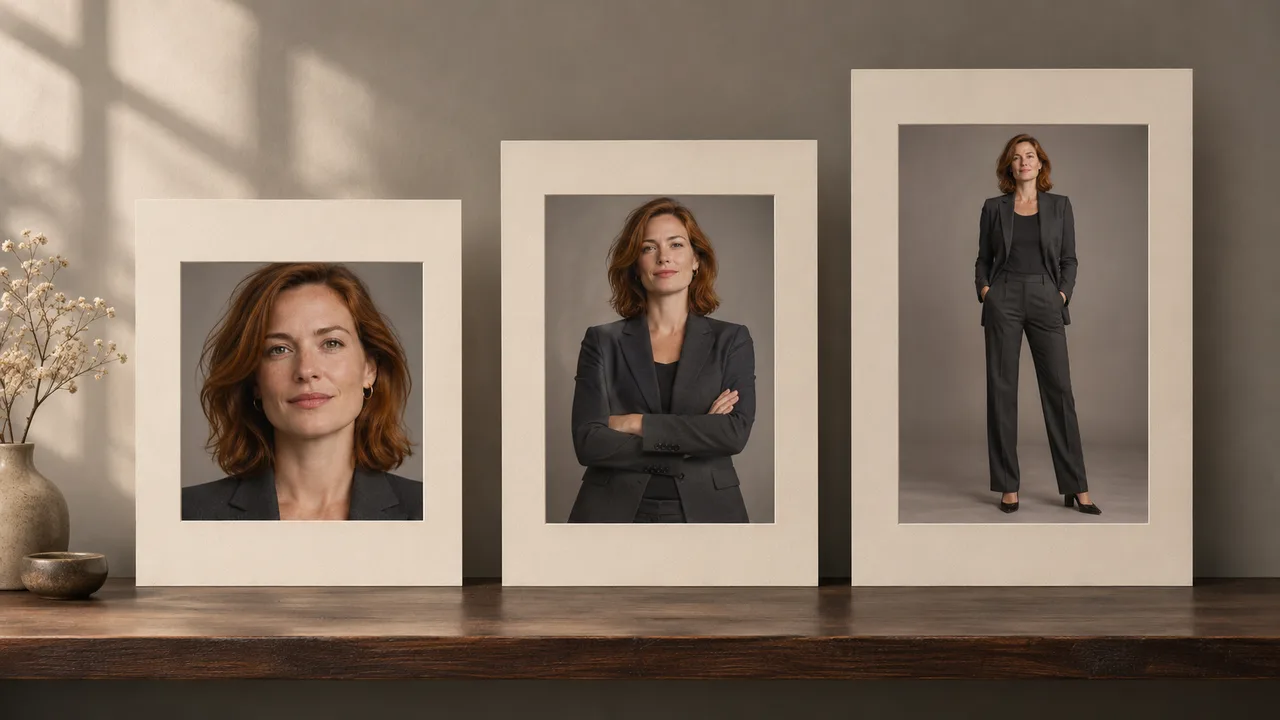
Cover: AI-generated editorial illustration, not an AIGirlShot result.
Written by
AIGirlShot Team
Portrait planning and practical guides from the AIGirlShot team.
Related posts